


 Garantía de entrega







Gnatural
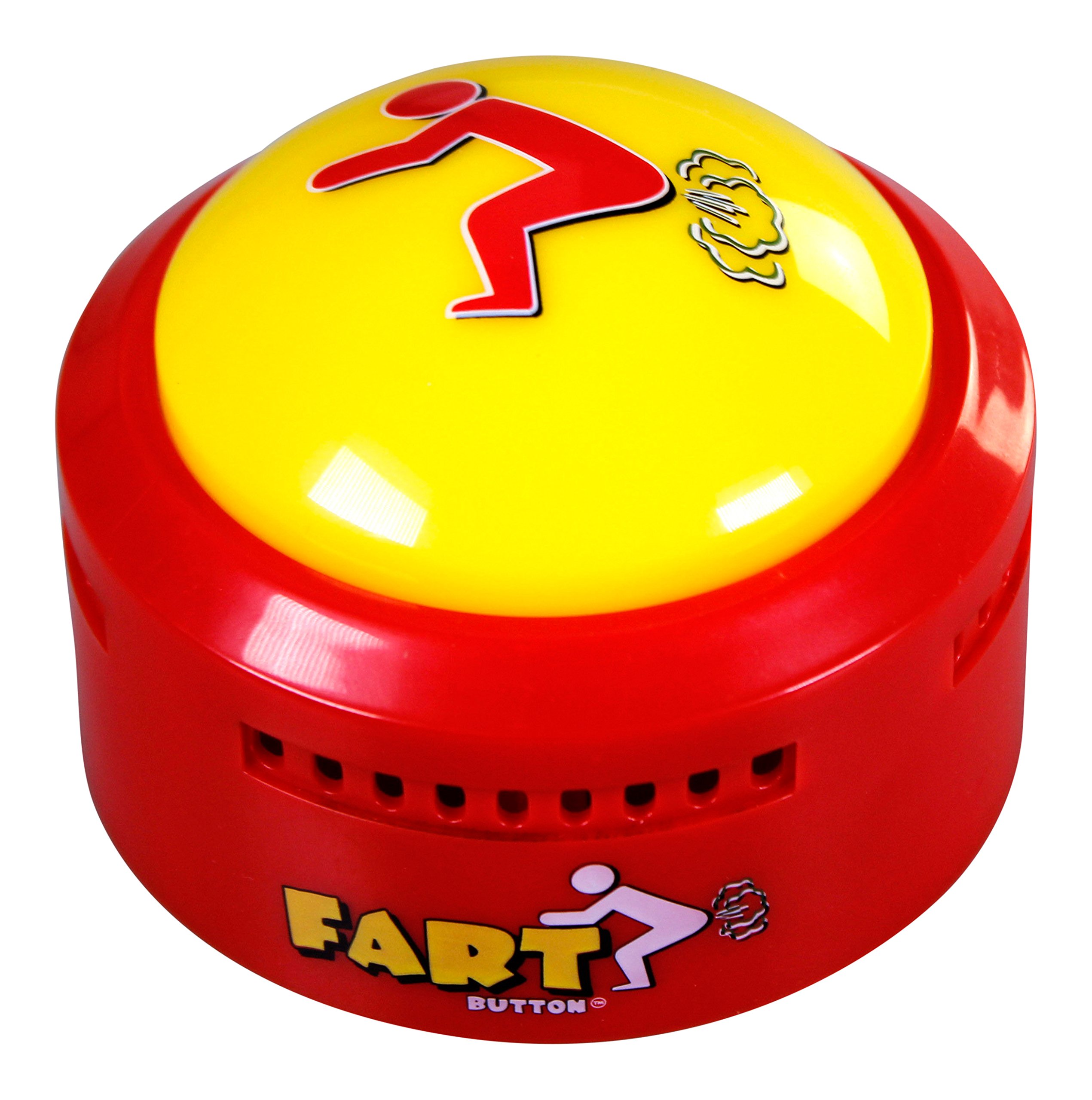
Recordable Talking Button 30 Seconds Record Button Easy Button Answer Buzzers Custom Sound Button for Communication Study Classroom Office Home Game Gift (Batteries Included)
Disponibilidad:
En stock
En stock
Peso con empaque:
0.36 kg
0.36 kg
Devolución:
Sí
Sí
Condición
Nuevo
Nuevo
Producto de:
Amazon
Amazon
Sobre este producto
- Multi-purpose: recordable button, light weight, small size, is the ideal gift for adults, children or pets, can be recorded at any time, convenient for your home, office, school, pranks or communication with pets can use it unlimited
- 30 Seconds Recording: Communication Button is a recording button that allows to record up to 30 seconds, recording longer than other talking buttons. This custom sound button is a must for your party games or communicating with your pet
- High quality sound: loud and clear, high-quality sound button, enjoy it! the sound button is powered by two AAA batteries( included). Replace the batteries when the sound gets low to enjoy full, clear sound once again.
- Easy to use: The simple communication buttons have "REC" and "PLAY" modes at the bottom, allowing you to record your messages at any time using the easy button
- Environmental Protection: The recordable pet button is made of ABS plastic, natural and environmentally friendly, keeping you, your family and pets away from the health hazards of heavy metals
U$S 23,38
44% OFF
U$S 12,99
IMPORTÁ FACIL
Comprando este producto podrás descontar el IVA con tu número de RUT
U$S 23,38
44% OFF
U$S 12,99
Llega en 5 a 11 días hábiles
con envío
 Tienes garantía de entrega
Este producto viaja
de USA ![]() a tus manos en
a tus manos en
![]()
 a tus manos en


Compra protegida
Disfruta de una experiencia de compra segura y confiable
![]() Garantía de entrega
Garantía de entrega
Con Tiendamia todas tus compras cuentan con Garantía de Entrega o devolución total de tu dinero.
Compras 100% seguras y garantizadas, para que pidas lo que soñás y lo recibas del mundo a tu puerta.
Saber más.
Tarjetas prepagas, debito, y credito
Paga hasta en 12 cuotas sin interés con tarjetas de crédito.

Visa

Mastercard

American Express

Dinners

Discover

Lider

Midinero

OCA

OCA Blue

Tarjeta PREX
Pagos a través de PayPal
Paga en dólares con Tarjetas internacionales a través de PayPal.

PayPal
Conoce más detalles
*talking gag gifts This recording button can be used as a gift for your friend *Game Answer Buzzer This record talking button can be used team game and party game. *Pet Training Button You can use the recordable button to record phrases and communicate with pets. How to use? Step 1: Slide the REC / PLAY switch to "REC" Step 2: 20 cm from the recording squeeze box, press and hold the top button for 2 seconds to hear the "beep" sound, then you can talk to it. Release the button after the recording is complete and you will hear two "Beep" sounds, which means that your recording was successful. The total recording time is 30 seconds. Step 3: To listen to the recording, set the REC / PLAY switch to "PLAY". Step 4:Press the button and it will play the content you just recorded. Press the top button again after playback and the voice recorder will play the recording again from the beginning. Please Note: If you press the top button during playback, it will stop playing. Press again and it will play the recording from the beginning. If you want to make a new recording, just repeat steps 1 and 2, and the previously recorded sound will be deleted.

