


 Garantía de entrega









Bleidruck
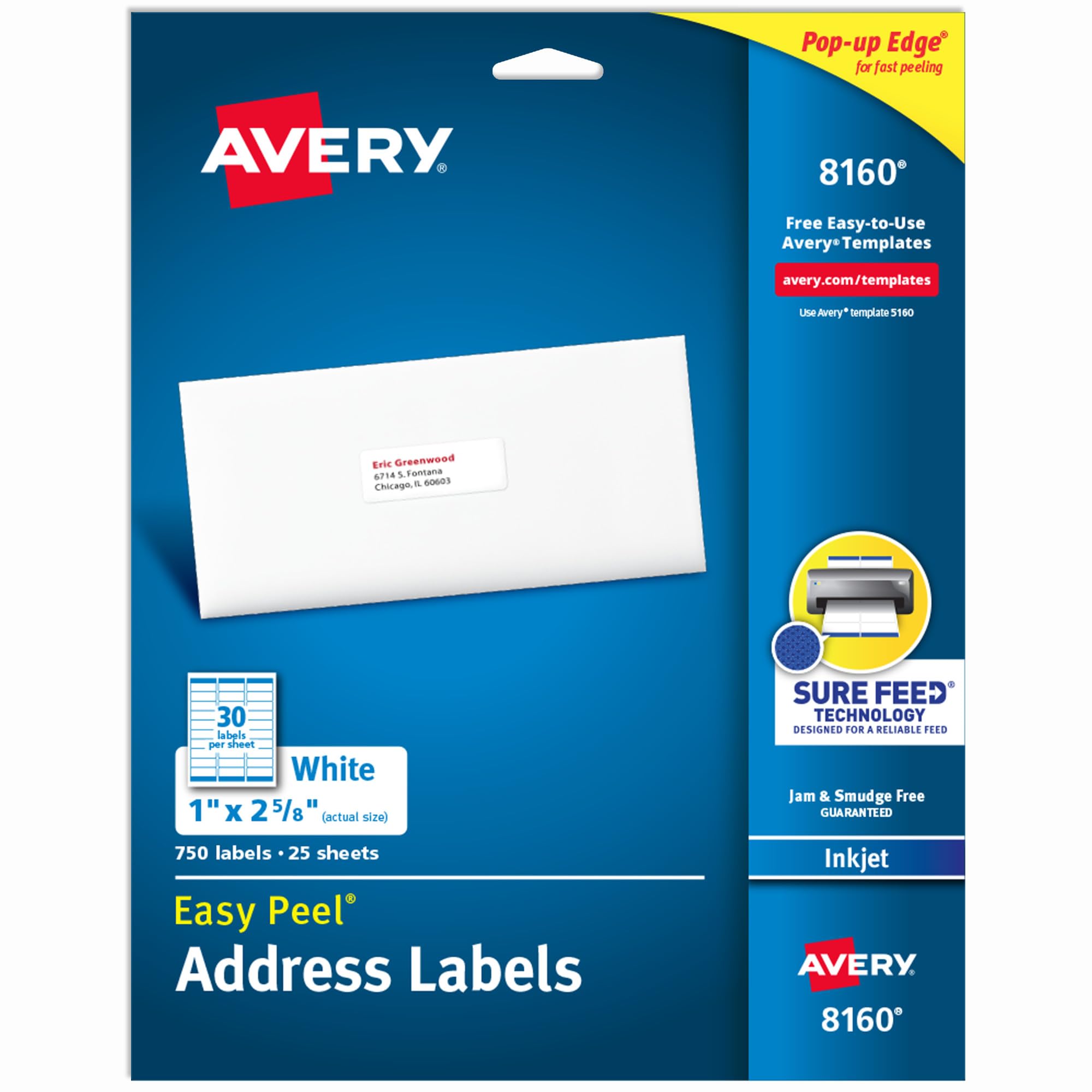
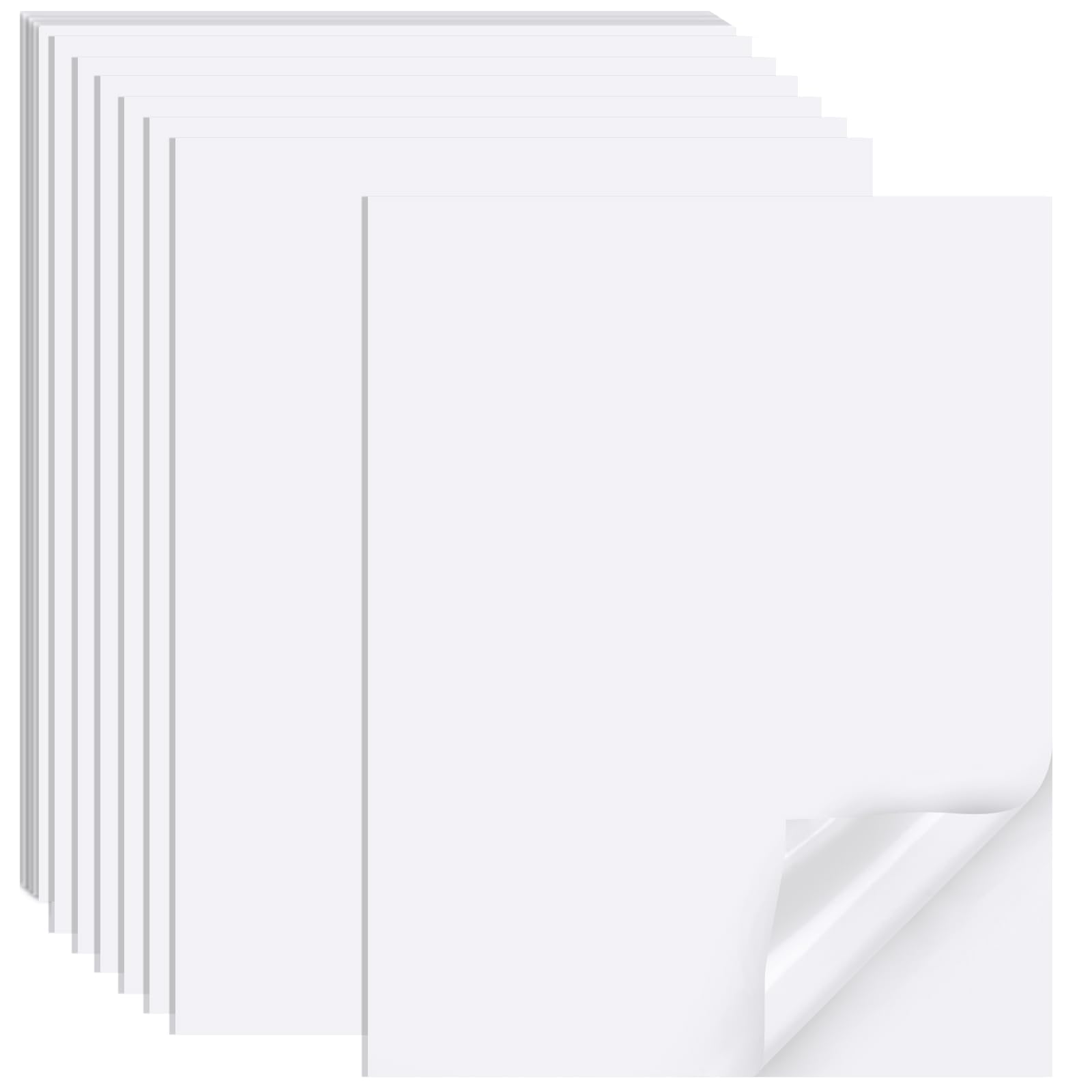
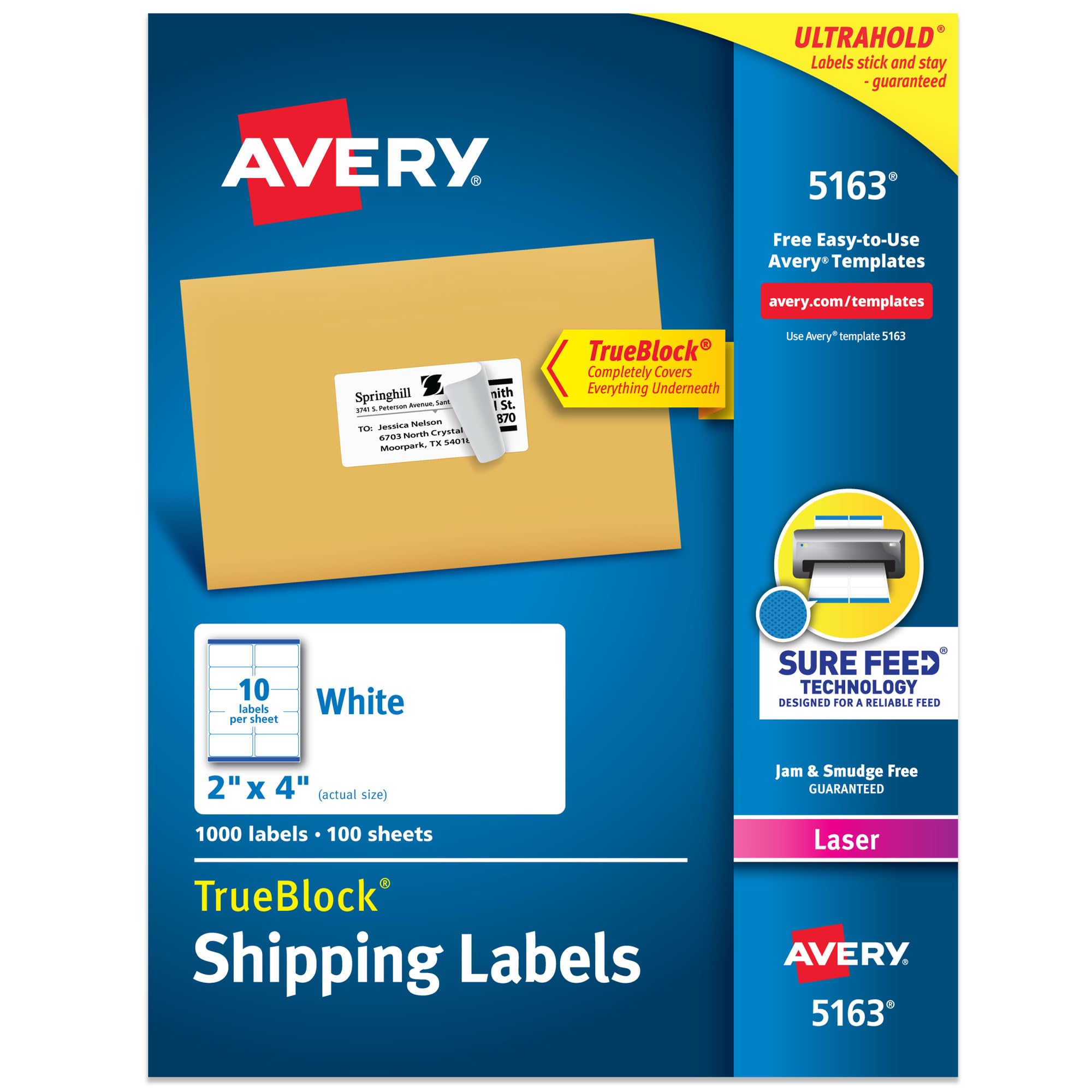
200 Labels Glossy White Waterproof Rectangle Labels,2"×4" Printable Blank Shipping Labels,Oil-Resistant Rectangle Vinyl Labels for Inkjet/Laser Printer
Number of Items:
200
Disponibilidad:
En stock
En stock
Peso con empaque:
0.49 kg
0.49 kg
Devolución:
Sí
Sí
Condición
Nuevo
Nuevo
Producto de:
Amazon
Amazon
Sobre este producto
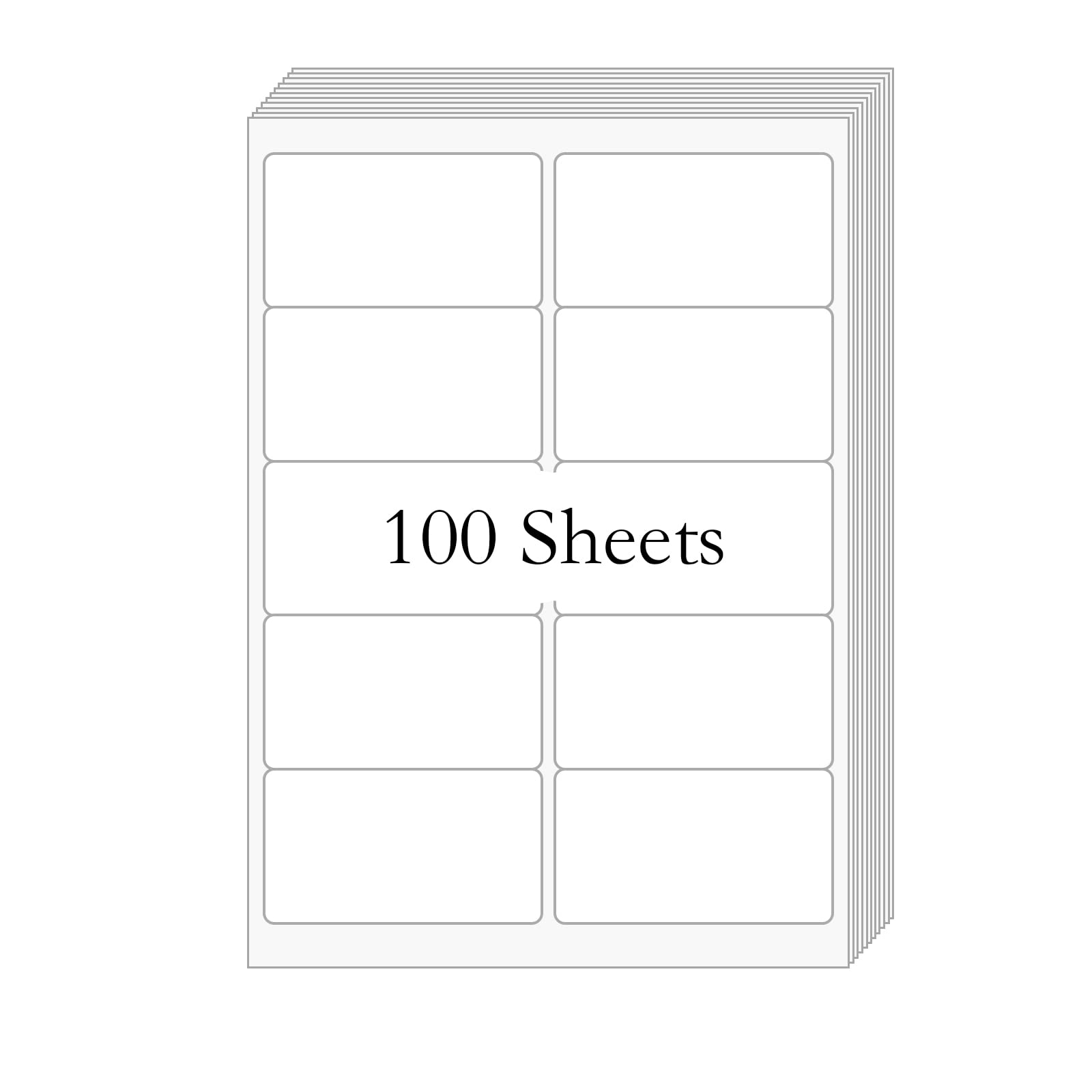
- 200 Labels Glossy White Waterproof Rectangle Labels,2"×4" Printable Blank Shipping Labels,Oil-Resistant Rectangle Vinyl Labels for Inkjet/Laser Printer
- Film Dimensions: 2"×4" Labels,10 Labels Per Page,Total 200 Rectangle Labels. Thickness: 80μm.
- The labels are waterproof, tear-resistant and permanent adhesive.
- Many Uses: Great for photos, scrapbooks, posters, and other DIY projects.It can be used in the office/school/ home etc. Suited for product inkjet labels. Sticked to metal, plastic, glass, tin, cardboard, paper etc.
- TIPS: 1. Printing setting:please choose ‘HIGH QUALITY GLOSSY PAPER’ and 'Letter SIZE'. 2. We offer free templates on our website 3. If you have any problem, please go to your order and click ‘Get product support’ to contact us. We offer 24 hours customer service.
- The printable vinyl is in Letter size and we highly recommend printing it in glossy paper and making sure that the printer is set to print at "100%" or "Actual Size."
- This product is compatible with most inkjet and laser printers, please check if your printer can print label paper over 220gsm before purchasing. Our items come with instructions for use, so please read them carefully. If you have any questions please feel free to contact us.
U$S 11,99
17% OFF
U$S 9,99
IMPORTÁ FACIL
Comprando este producto podrás descontar el IVA con tu número de RUT
U$S 11,99
17% OFF
U$S 9,99
Llega en 5 a 11 días hábiles
con envío
 Tienes garantía de entrega
Este producto viaja
de USA ![]() a tus manos en
a tus manos en
![]()
 a tus manos en


Compra protegida
Disfruta de una experiencia de compra segura y confiable
![]() Garantía de entrega
Garantía de entrega
Con Tiendamia todas tus compras cuentan con Garantía de Entrega o devolución total de tu dinero.
Compras 100% seguras y garantizadas, para que pidas lo que soñás y lo recibas del mundo a tu puerta.
Saber más.
Tarjetas prepagas, debito, y credito
Paga hasta en 12 cuotas sin interés con tarjetas de crédito.

Visa

Mastercard

American Express

Dinners

Discover

Lider

Midinero

OCA

OCA Blue

Tarjeta PREX
Pagos a través de PayPal
Paga en dólares con Tarjetas internacionales a través de PayPal.

PayPal
Conoce más detalles
This vinyl label is compatible with most inkjet and laser printers, please check if your printer can print vinyl label paper over 200gsm before purchasing. You can easily download the templates you need by following the instructions inside the package. How to use: When you edit with canvas, after the file is edited, we recommend that you store the file as a PDF and then print it out. Printing Settings in PDF format: Open the printer dialog box, and select advanced or Preferences. Check ‘Paper Size’ to see if it’s the correct size. Then go back to printer dialog box, select ‘Actual size’ under ‘Page Sizing&Handling’ Printing Settings in MS Word Check ‘Paper size’ under Word Print Setting, make sure it’s letter size. Check ‘Document Size’ from ‘Printer Properties’, make sure it’s the correct paper size, ‘letter size’. DONT SELECT "BOARDLESS"

