


 Garantía de entrega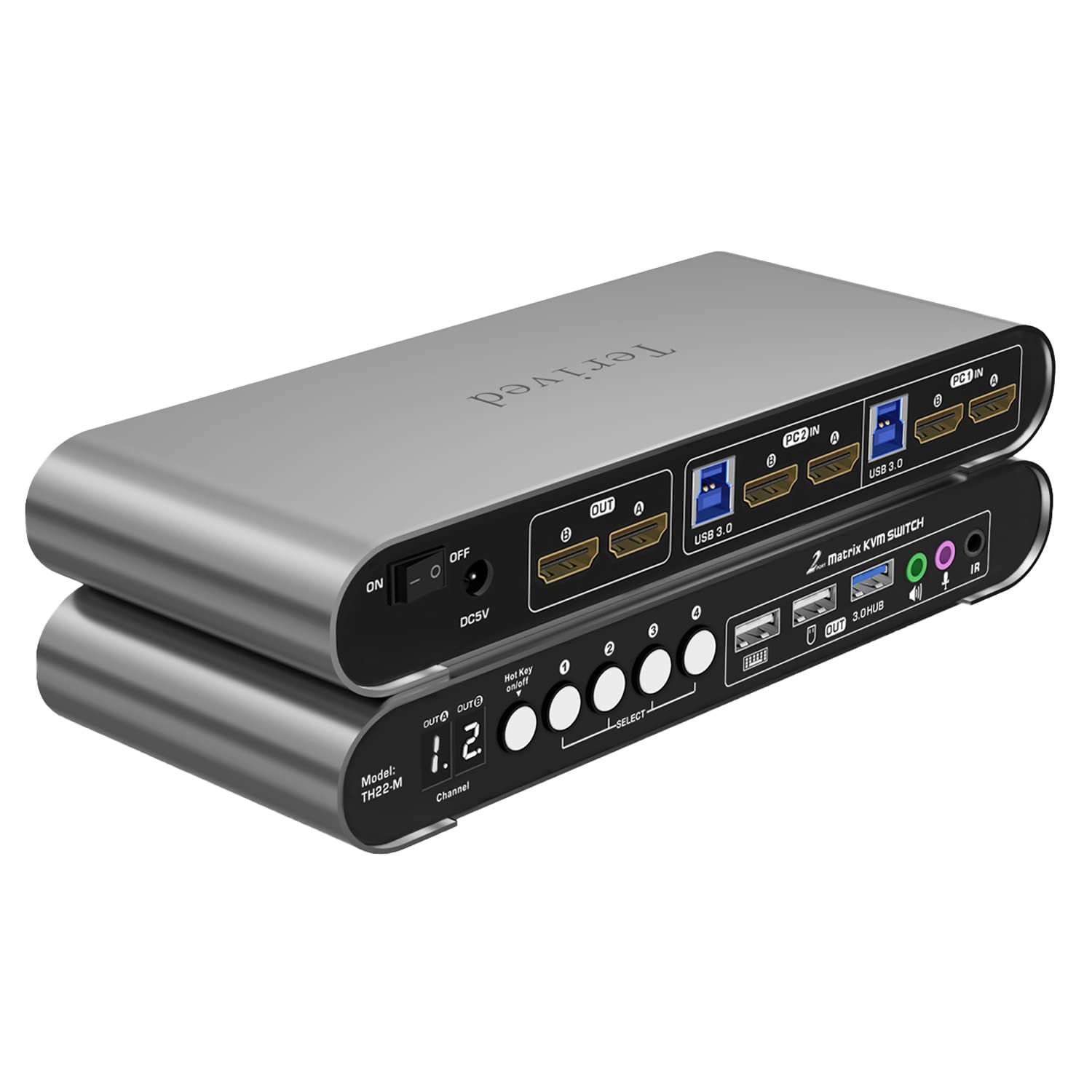






Terived
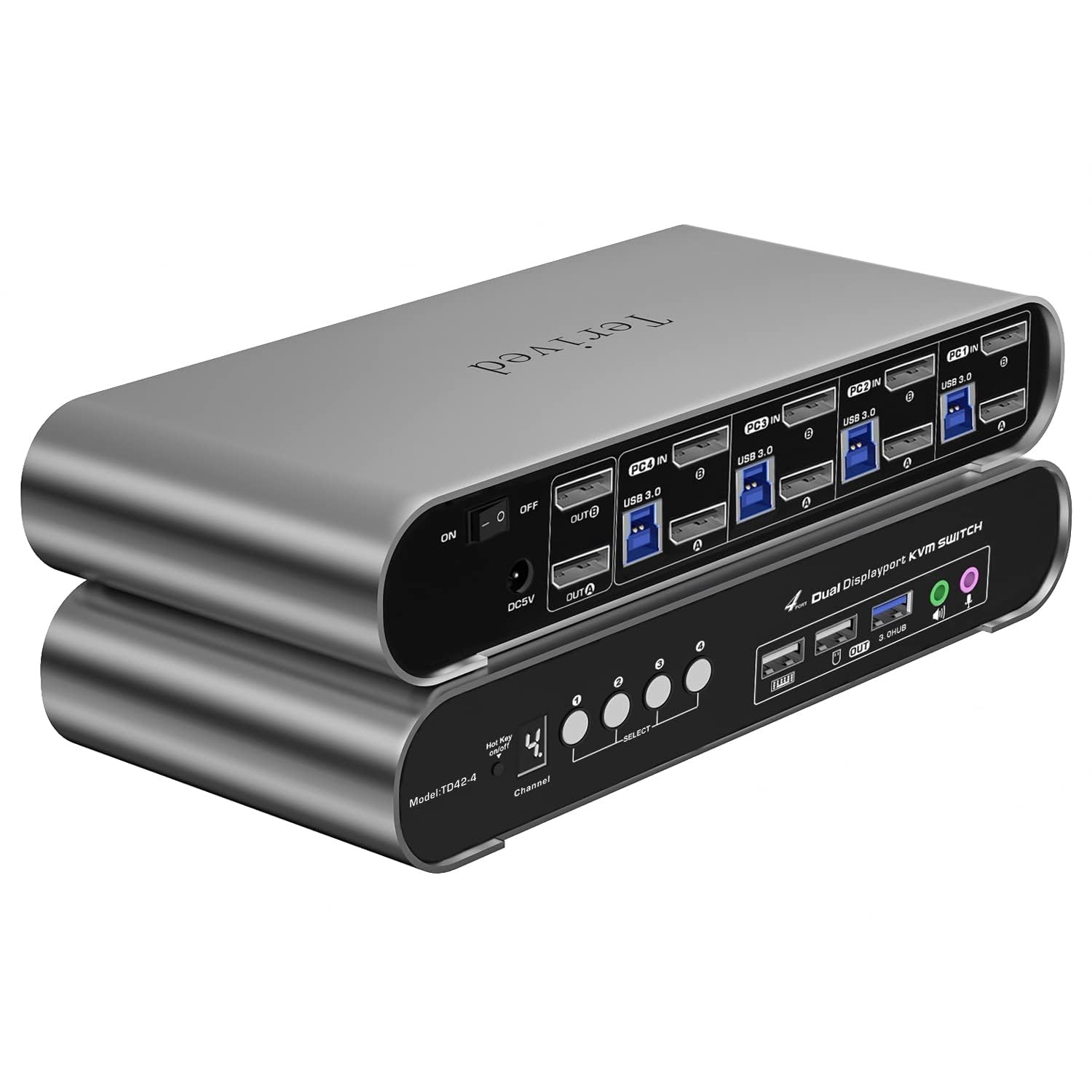
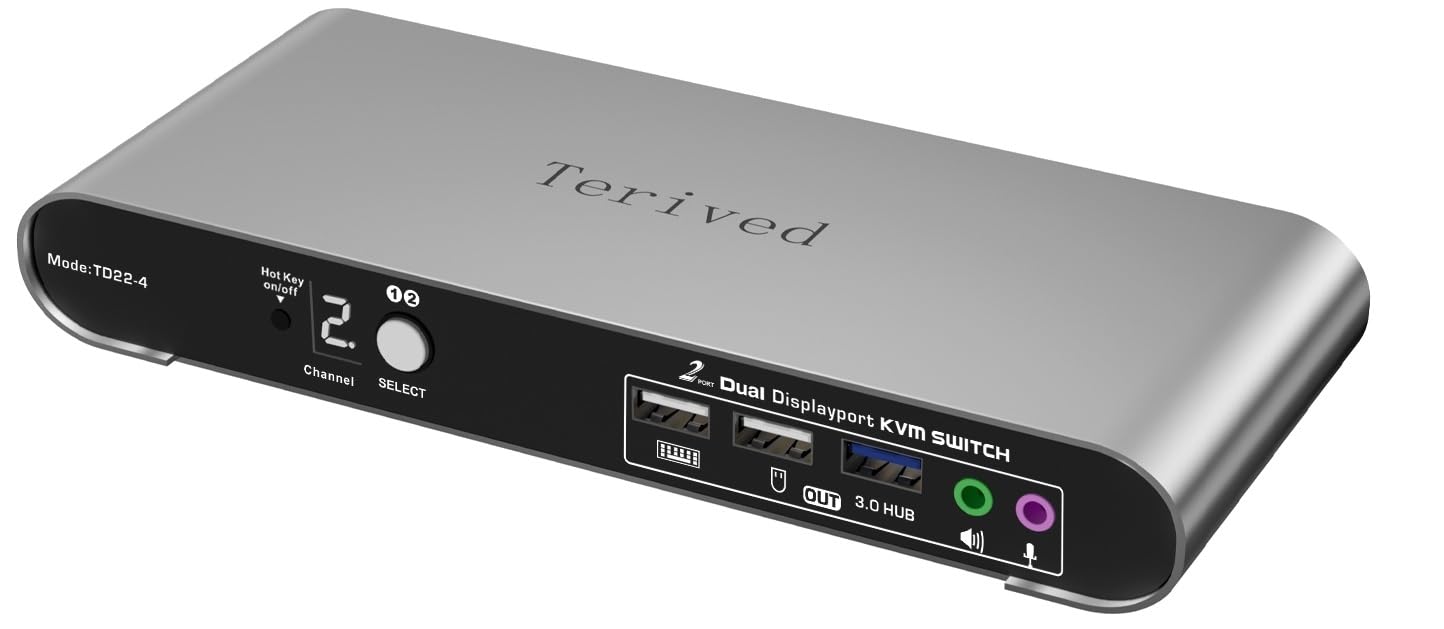
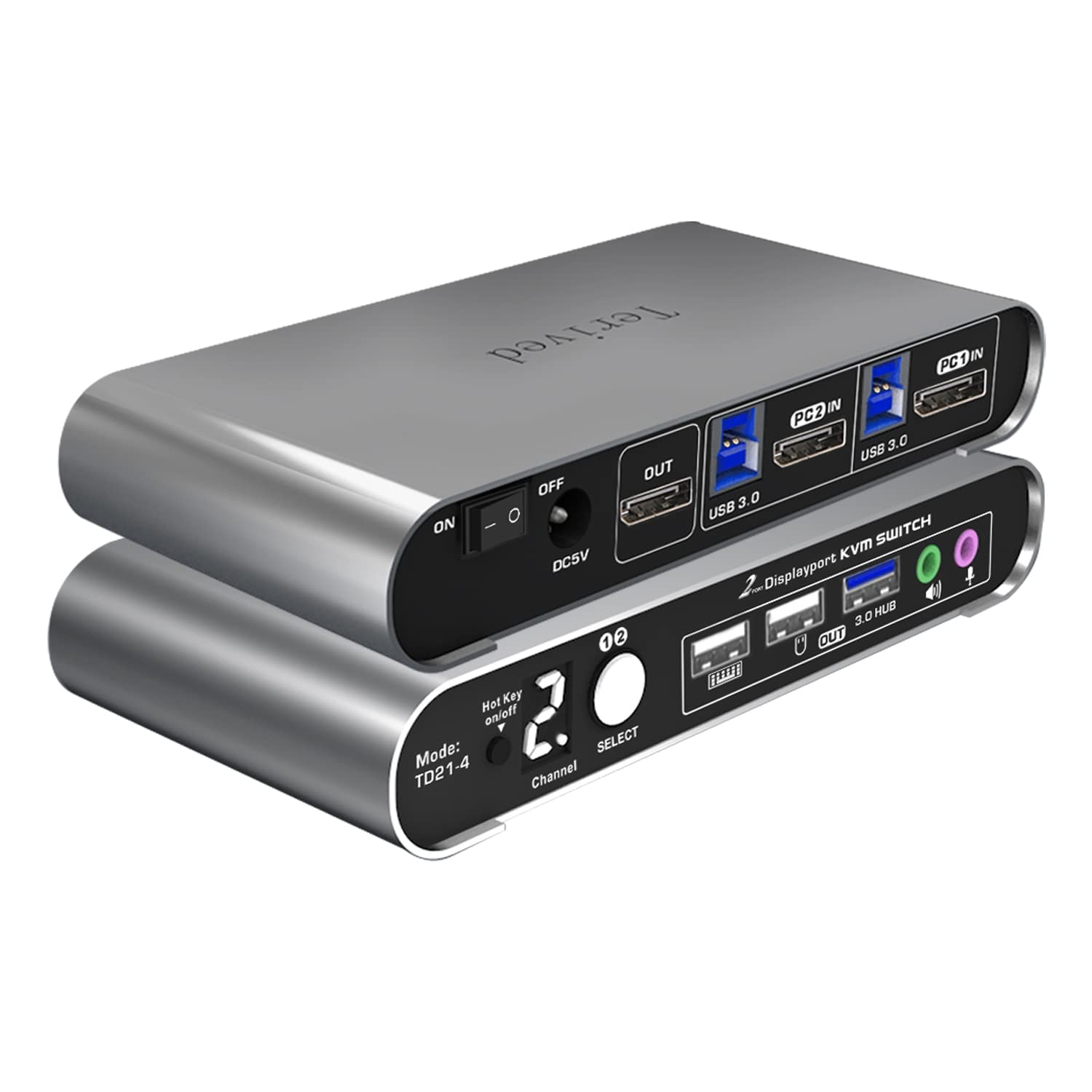
2 Port DP USB 3.0 Automatic KVM Switch Dual Monitor 4K@144Hz Two Computers Two DisplayPort Monitors switcher, 8K@30Hz, Aluminum hotkey Audio mic, Digital Display, HDR10 with Cables
Style:
2 Computers 2 DP Monitors USB 3.0






Disponibilidad:
En stock
En stock
Peso con empaque:
0.63 kg
0.63 kg
Devolución:
Sí
Sí
Condición
Nuevo
Nuevo
Producto de:
Amazon
Amazon
Sobre este producto
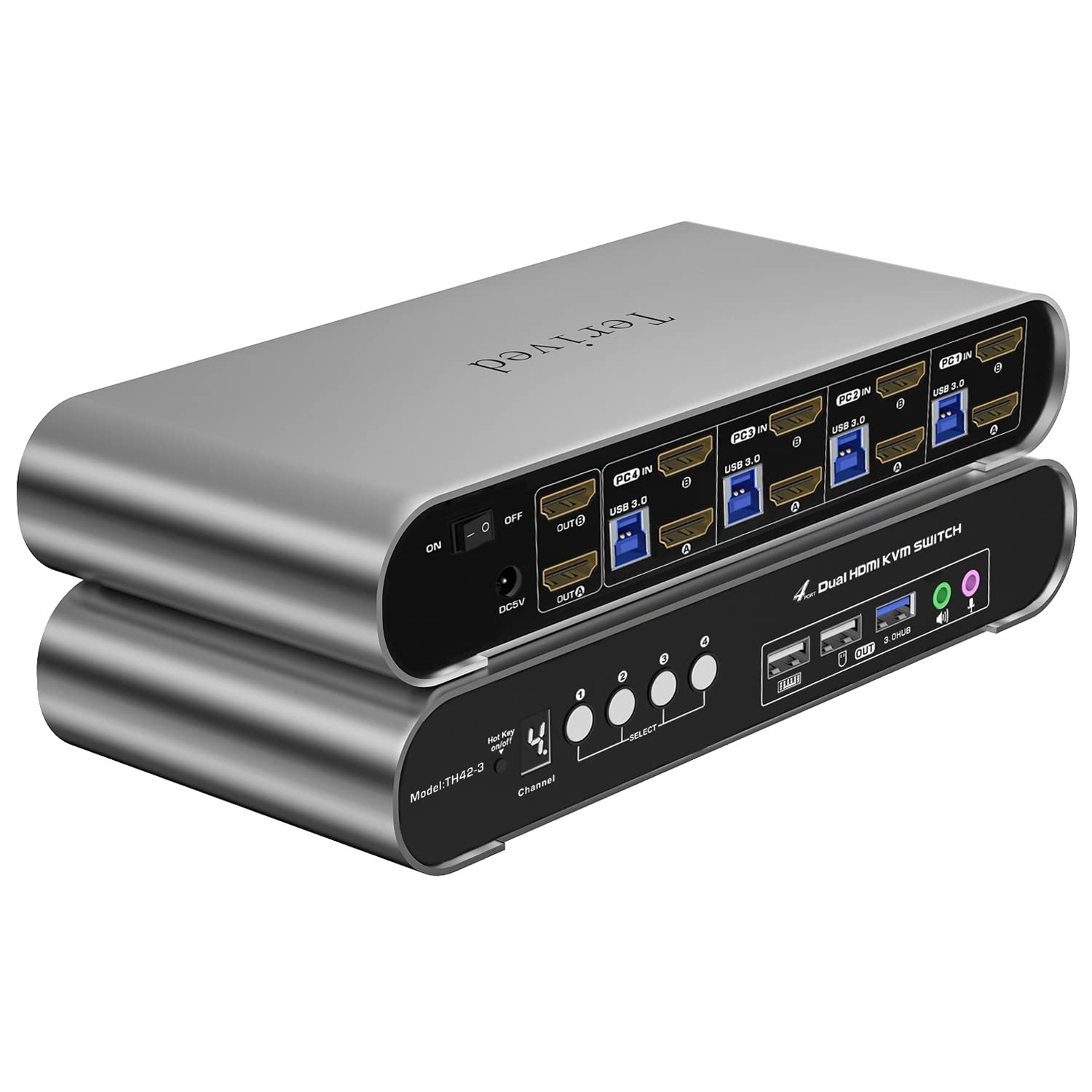
- Attention: Please use our provided DP cables for both computers and monitors to achieve the best results. The two USB cables are for the front KVM USB ports. If you don't plug them into your computers and KVM switch, your keyboard, mouse, and USB 3.0 hub will not function. In addition, please visit our website at Terived if you need recommended adapters or converter cables.
- Attention laptop Users: Check how many external monitors are supported by your devices before you buy. For example, an M1 Macbook Pro only supports one external monitor which will not work with this product.
- Aluminum Alloy shell - We want to give customers the best quality; we use aluminum alloy for the body, which provides you with an excellent premium look, great drop resistance, light-weight, strong, and robust corrosion resistance
- Hotkey - Tired of a manual button switch? This product gives you a convenient way to switch with keyboard hotkeys
- Digital Display- KVM Switch 2 port with a digital display which lets you easy to see the current channel even in the dark investment
- Two computers two DP monitors KVM switcher- Controls 2 Displayport interfaced computers or other applicable devices using one keyboard, a mouse, one monitor with audio & microphone, and USB 3.0 HUB for data transferring rate up to 5Gbps/s (10 times faster than USB 2.0)
- Displayport KVM Switch up to 8K - Supported resolutions: 480i, 480p, 720p, 1080i, 1080p, 2K@240Hz, 4K@144Hz, 5K@60Hz, 8K@30Hz RGB 4:4:4 HDR10.Auto-Scan, auto-detection Hot plug & play and HDCP. Multi-platform: support Windows 11/10/7/2000/XP/Vista, Linux, and Mac
- KVM switch with Automatic Switching: To enable the automatic switching feature of the KVM switch, press Right [CTRL] twice, then [S], and [Enter]. The default auto-switching time is 10 seconds. (To turn it off, simply press this shortcut combination again). You can adjust the auto-switching time by pressing Right [CTRL] twice, followed by [S], then [N], and [Enter], where 'N' represents the number of seconds for the switching time (ranging from 1 to 999 seconds).
U$S 172,55
31% OFF
U$S 119,00
IMPORTÁ FACIL
Comprando este producto podrás descontar el IVA con tu número de RUT
U$S 172,55
31% OFF
U$S 119,00
Llega en 5 a 11 días hábiles
con envío
 Tienes garantía de entrega
Este producto viaja
de USA ![]() a tus manos en
a tus manos en
![]()
 a tus manos en


Compra protegida
Disfruta de una experiencia de compra segura y confiable
![]() Garantía de entrega
Garantía de entrega
Con Tiendamia todas tus compras cuentan con Garantía de Entrega o devolución total de tu dinero.
Compras 100% seguras y garantizadas, para que pidas lo que soñás y lo recibas del mundo a tu puerta.
Saber más.
Tarjetas prepagas, debito, y credito
Paga hasta en 12 cuotas sin interés con tarjetas de crédito.

Visa

Mastercard

American Express

Dinners

Discover

Lider

Midinero

OCA

OCA Blue

Tarjeta PREX
Pagos a través de PayPal
Paga en dólares con Tarjetas internacionales a través de PayPal.

PayPal

