








 Garantía de entrega


SKU/Artículo: AMZ-B0BV29MCXH
AODELAN
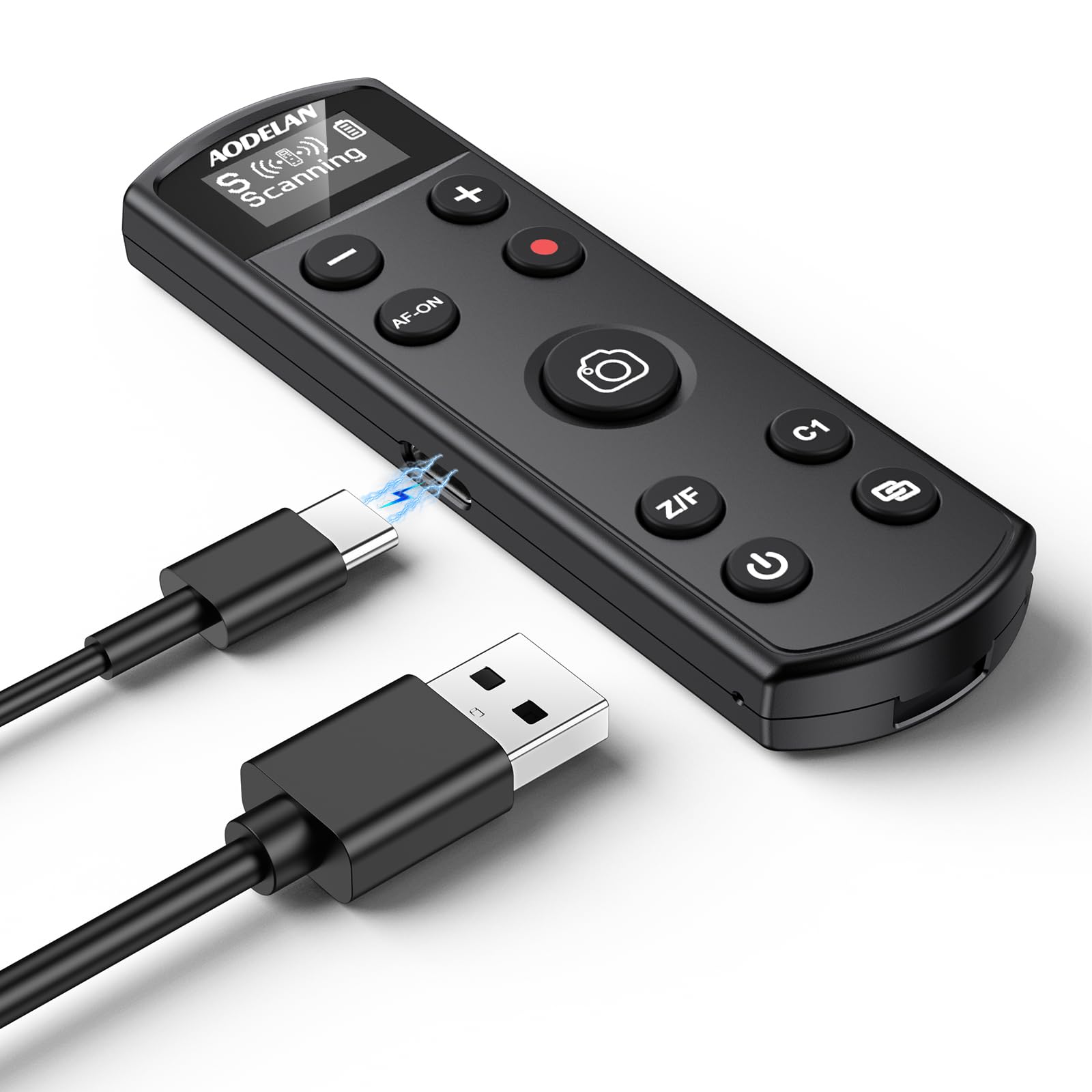
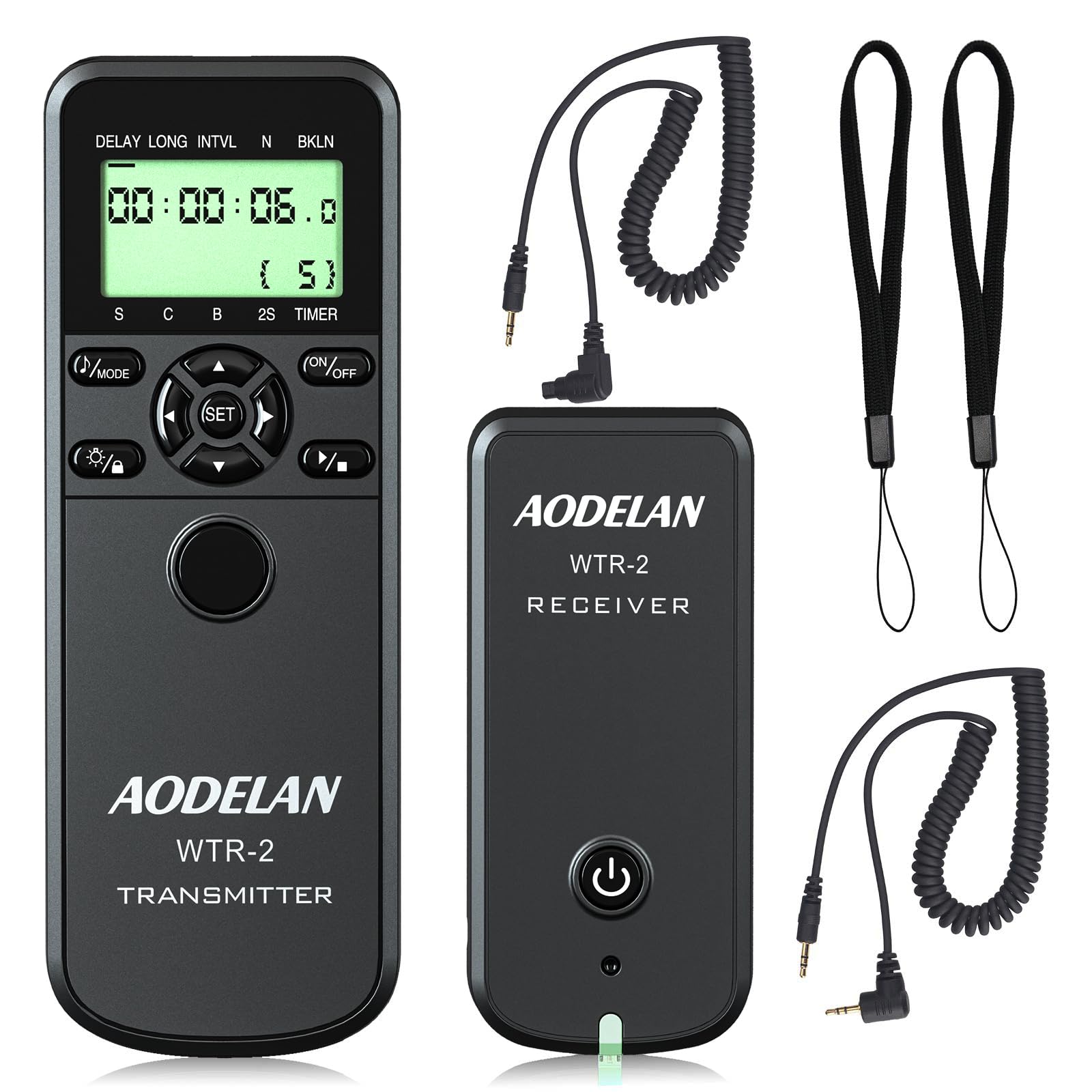
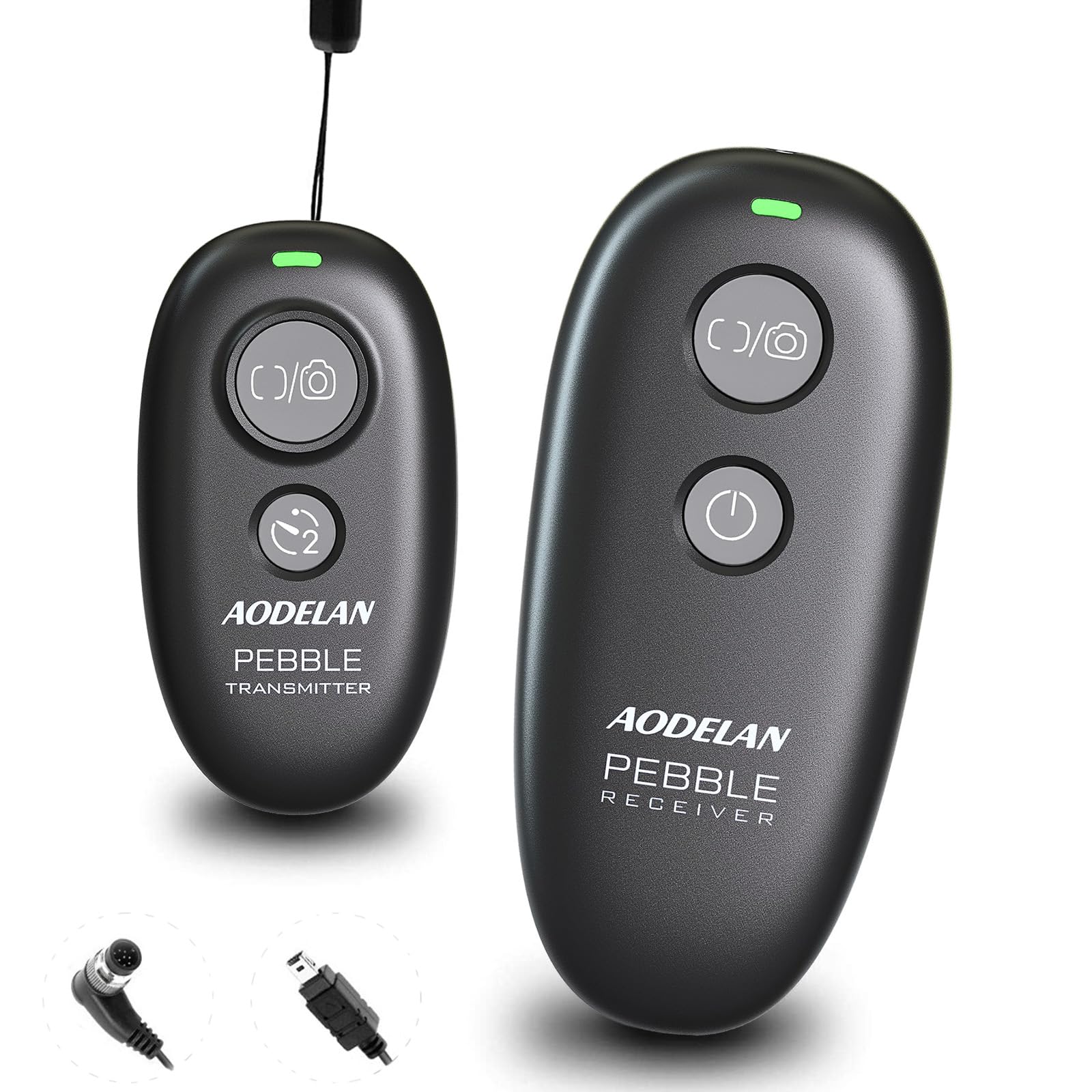
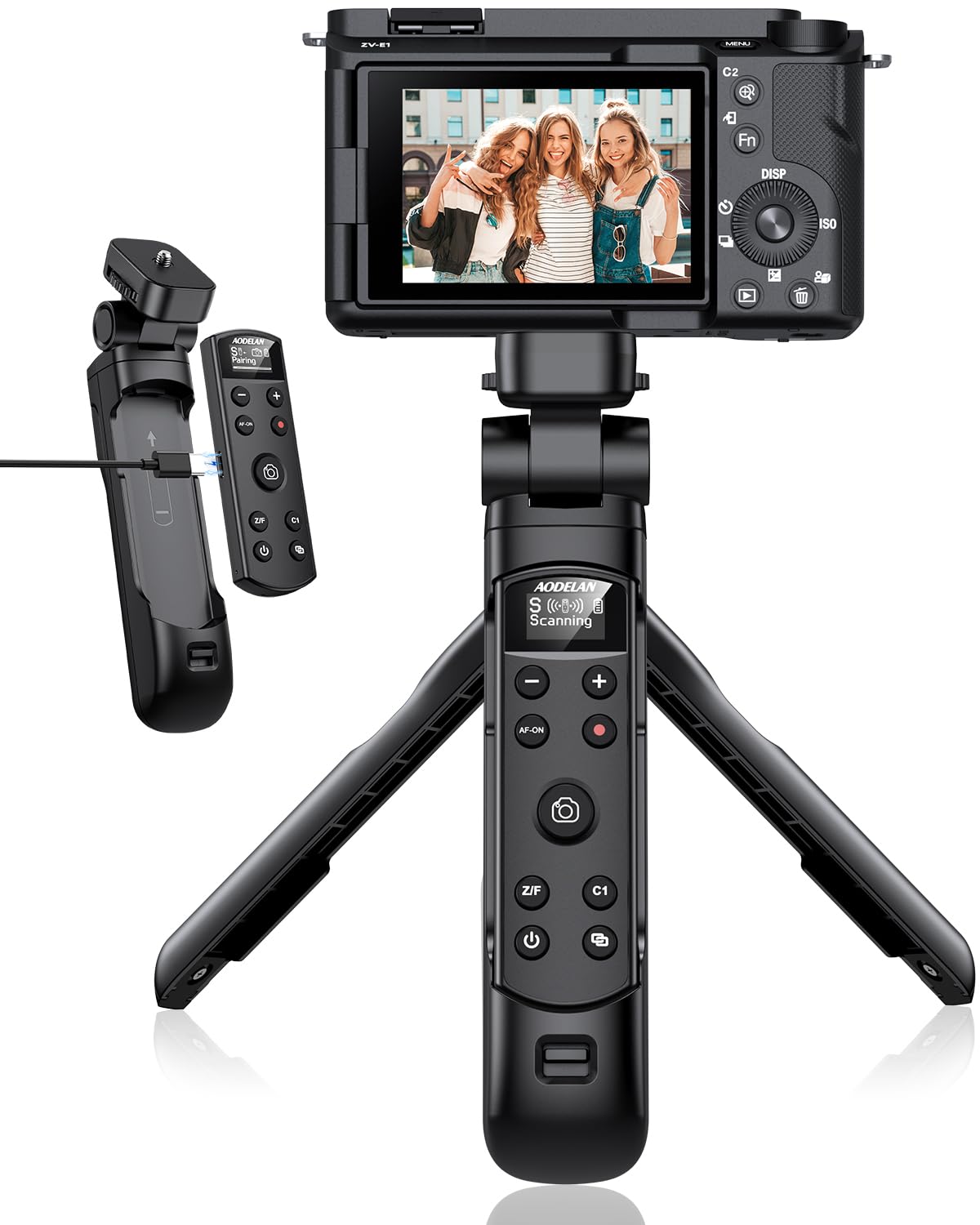
Wireless Camera Remote Shutter Release for Canon EOS M6 Mark II, R, RP, R8,6D Mark II, PowerShot SX70 HS, G5 X Mark II, G7 X Mark III, 90D, 77D, 800D, 200D, 250D, M50, Rebel T7i, Replace Canon BR-E1
Detalles del producto
Disponibilidad:
En stock
En stock
Peso con empaque:
0.36 kg
0.36 kg
Devolución:
Sí
Sí
Condición
Nuevo
Nuevo
Producto de:
Amazon
Amazon
Viaja desde
USA
USA
Sobre este producto
- Wireless Camera Remote Shutter Release for Canon EOS M6 Mark II, R, RP, R8,6D Mark II, PowerShot SX70 HS, G5 X Mark II, G7 X Mark III, 90D, 77D, 800D, 200D, 250D, M50, Rebel T7i, Replace Canon BR-E1
U$S 57,18
55% OFF
U$S 25,99
IMPORTÁ FACIL
Comprando este producto podrás descontar el IVA con tu número de RUT
U$S 57,18
55% OFF
U$S 25,99
 Llega en 5 a 11 días hábiles
con envío
 Tienes garantía de entrega
Conoce más detalles
Wireless Camera Remote Shutter Release for Canon – Compatible with EOS R3, RP, R5, R6, R7, R10, 6D Mark II, 77D, 800D (Rebel T7i), T8i, 200D (Rebel SL2), 250D (Rebel SL3), 850D, M50, M50 II, M200, PowerShot SX70 HS, 90D, M6 Mark II, G7 X Mark III, G5 X Mark II – Replaces Canon BR-E1A.Note: Please ensure your camera is set to Drive Mode (Remote Mode) for compatibility. This remote control works only with the listed Canon camera models. Multiple Shooting Functions - This wireless remote control supports still photo shooting (immediate release and 2-sec delay), continuous shooting, Bulb (long exposure), video recording (start/stop), and auto-focus for precise focusing during shooting. Zoom Functionality - Compatible with the Canon PZ-E1 Power Zoom Adapter for remote zoom control of the EF-S 18-135mm f/3.5-5.6 IS USM lens, offering convenient zoom control during shooting. 32 Feet Operating Range - The AODELAN Canon wireless remote control has an operating range of up to 32 feet (10m), allowing you to trigger the camera from any direction without needing a direct line of sight. Ideal for capturing selfies, group photos, wildlife, macro shots, star trails, and landscapes. Easy to Use - For still photos, ensure your camera is set to Drive Mode before pairing with the remote; for video recording, switch your camera to Movie Mode, then enable Remote Control in the camera's menu settings. This wireless remote is perfect for capturing selfies, group shots, videos, and helps you avoid camera shake caused by manually pressing the shutter button.
Compra protegida
Disfruta de una experiencia de compra segura y confiable
![]() Garantía de entrega
Garantía de entrega
Con Tiendamia todas tus compras cuentan con Garantía de Entrega o devolución total de tu dinero.
Compras 100% seguras y garantizadas, para que pidas lo que soñás y lo recibas del mundo a tu puerta.
Saber más.
Tarjetas prepagas, debito, y credito
Paga hasta en 12 cuotas sin interés con tarjetas de crédito.

Visa

Mastercard

American Express

Dinners

Discover

Lider

Midinero

OCA

OCA Blue

Tarjeta PREX
Pagos a través de PayPal
Paga en dólares con Tarjetas internacionales a través de PayPal.

PayPal

