




 Garantía de entrega








Zwp
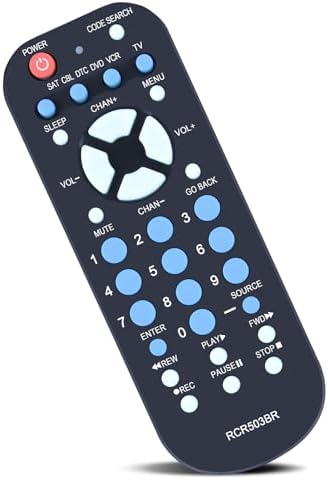
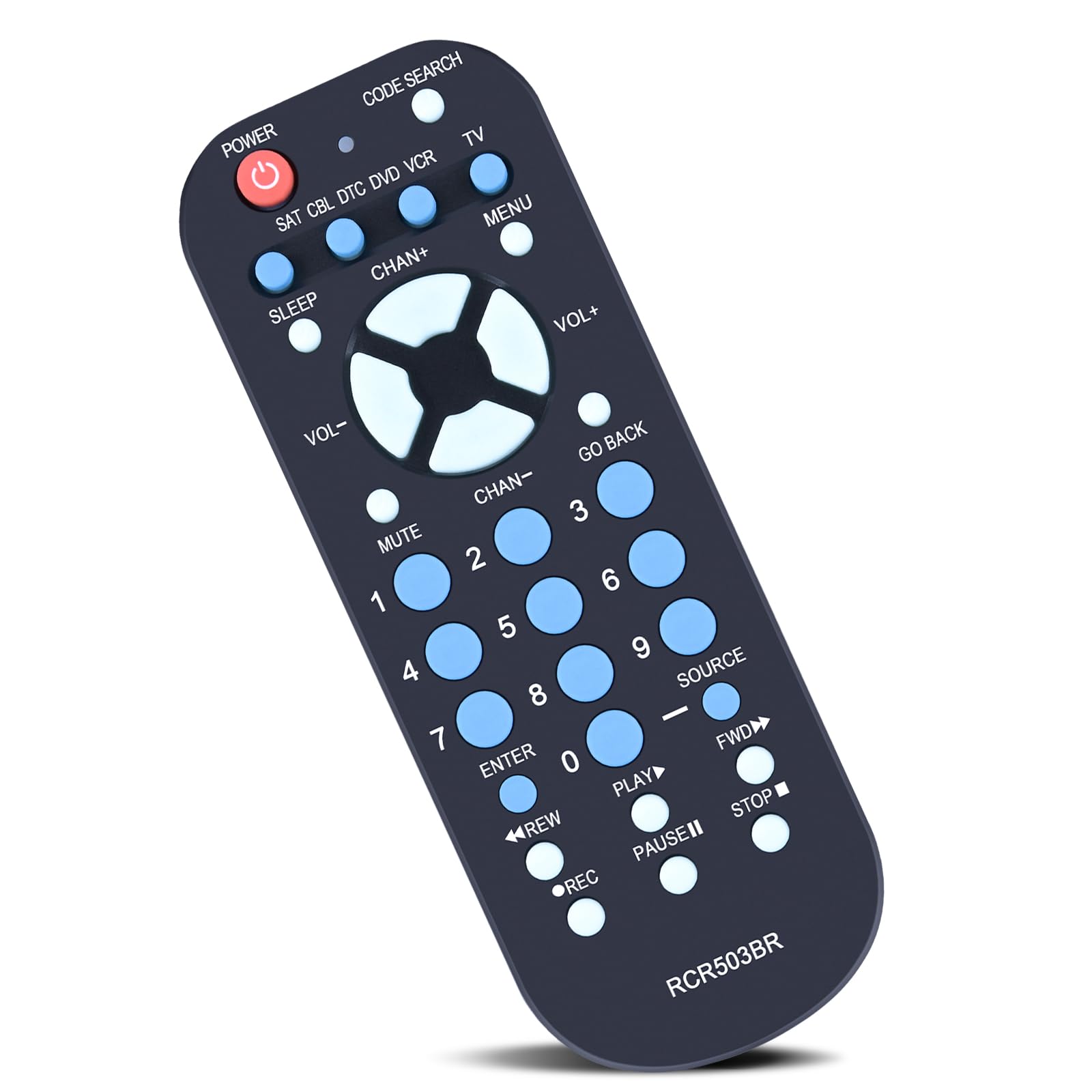
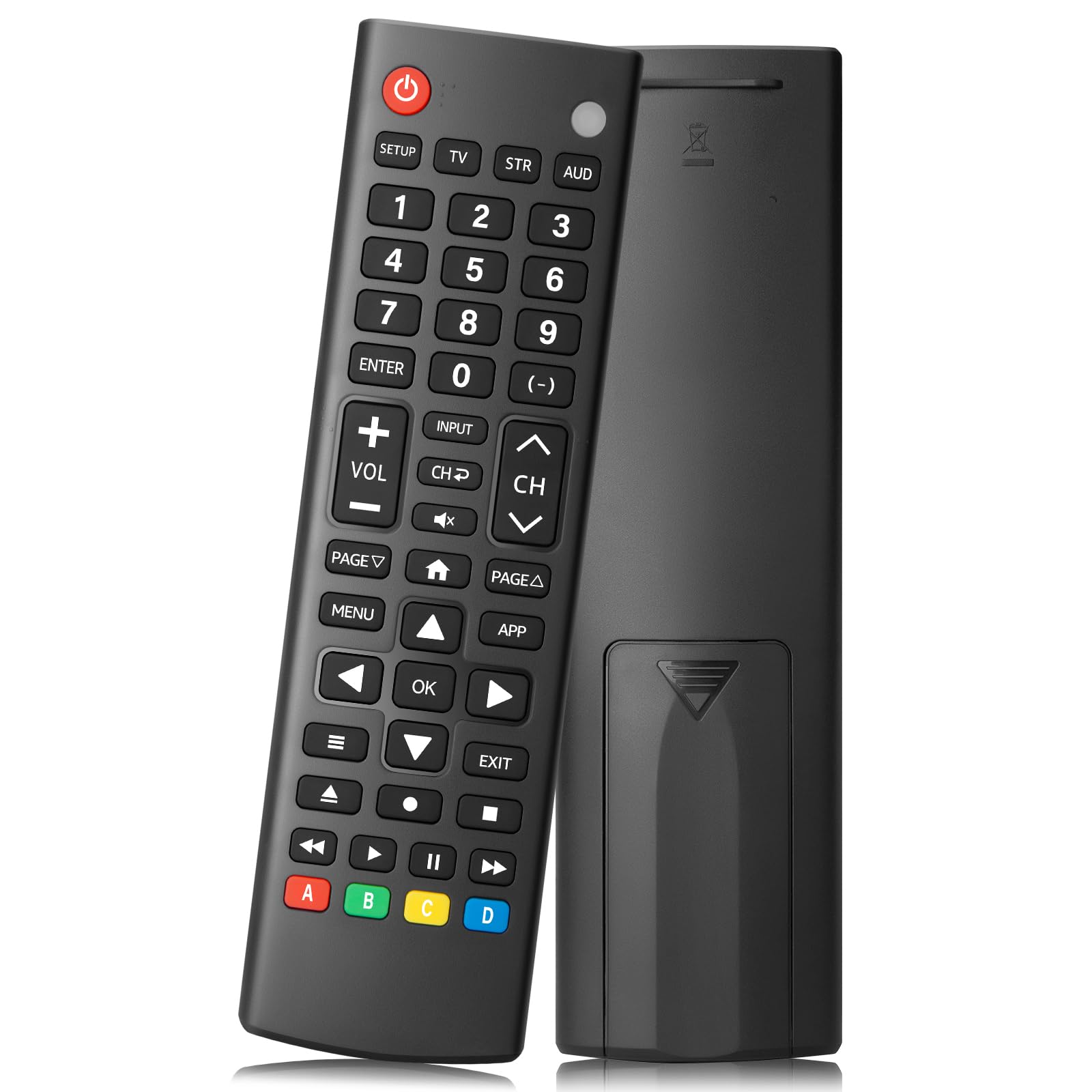
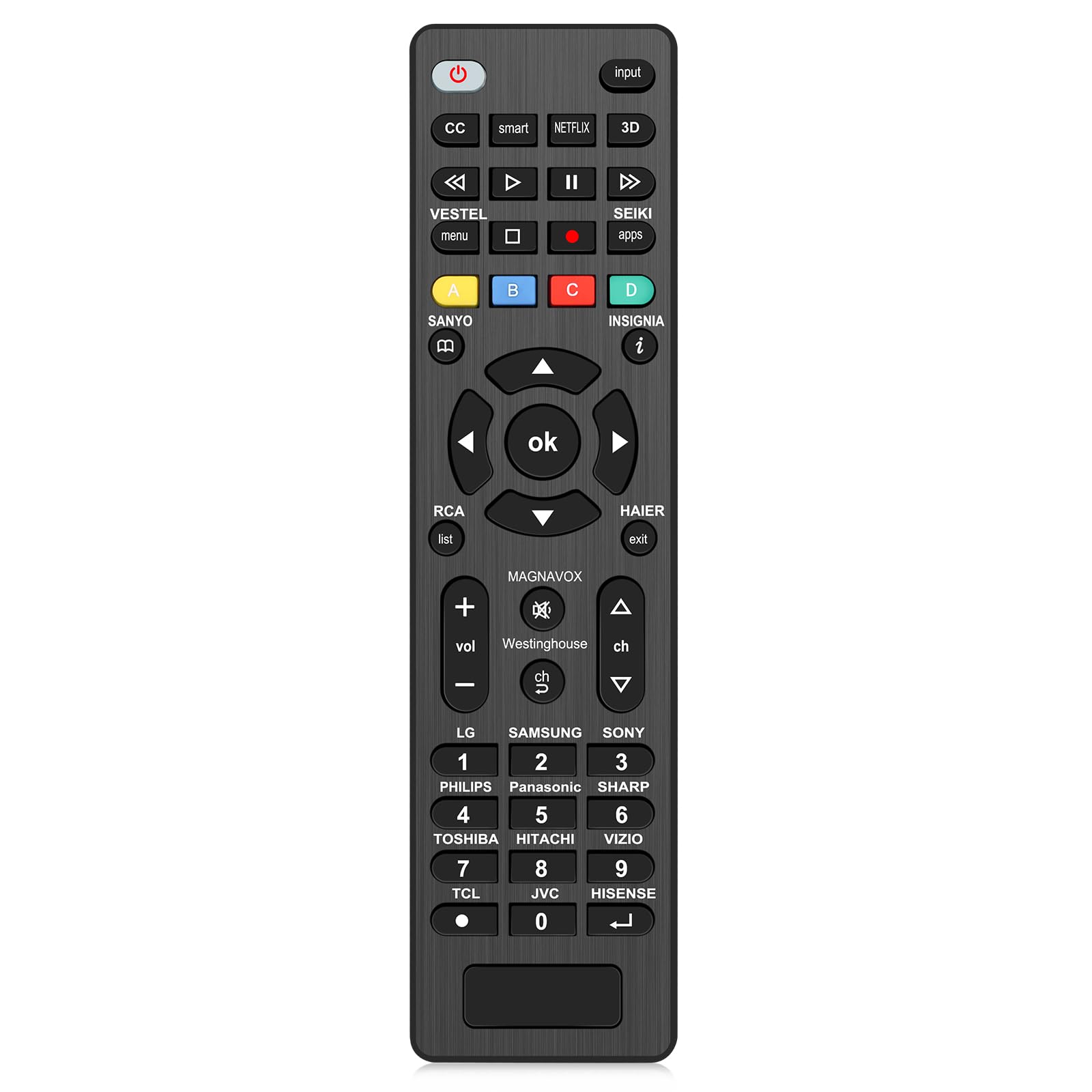
Universal Remote Control RCR503BR sub RCR503BE RCR503BZ 3-Device Compatible for RCA Most Major Remote Brands TV DVD or VCR Satellite Receiver Cable Box Digital TV Converter Palm-Sized
Disponibilidad:
En stock
En stock
Peso con empaque:
0.36 kg
0.36 kg
Devolución:
Sí
Sí
Condición
Nuevo
Nuevo
Producto de:
Amazon
Amazon
Sobre este producto
- ZWP Universal remote, work for RCA 3 Devices : TV, DVD/VCR, SAT/CBL Compatible With Models:RCR503BR RCR503BE RCR503BZ
- One : Code setting 1.Manually open the remote control device and find thecorresponding four code of the machine.2. Press and hold on "SEARCH CODE" key until the indicator lights(about 2S).3.Press and release the corresponding device key, the indicatorlights flash once and still remain bright.4. From a high to the low order input 4 bit code, press each dgitalindicator light will flashes once.5. lf it is correct after you input the last code,indicator light gces outdirectly,saving and exiting.6. lf the code is incorrect,the indictor light flash quickly five times,without saving and exiting,and need re-set until it is corred. (ifflashing is too fast,please refer to the sample, about 1.5s-2s)
- 7. lf your equipment brand is not included,please try search function. Note:1.In the setting process, if 20S no operation ,the indicator will flashfive times ,and without saving and exit.2.In the setting process,indicator flash five times with pressing invalidkeys or incorrect step ,it will without saving exit.3.The setup will stay on the current device when it is not successfu(e.g.. TV).
- If your brand is not listed, try to search for the function.1.Manually open the remote control device.2. Hold "SEARCH CODE" until the indicator lights (about 2S).3.Press and release the corresponding device key, the indicatorlights flash once and still remain bright.4. Press and release the "POWER" button, the indicator light flashesonce into the auto search state and sends the current group to thenext group of "POWER" code, the indicator light flash once when5. When device appears the switch,press the "ENTER" key to saveentry each code .and exit within 4s,until the indicator goes out directly..6. Try the other keys, if it is incorrect,please search again untilit is correct.
- 1. In the searching process,indicator flash five times with pressinginvalid keys or incorrect step without saving exit.2. Each search is from the current group to the next.3. In the searching process,press the "POWER" continutously canchange the automatic search to manual search,every time by“POWER "key search a group, when more than 4S no keyoperation will automatically converted into automatic search,4. When the search to the number of groups without the POWEpcode, the indicator flashes the same as normal search Note: After Search a circle ,the lights flash five times, without savgand exit. (a circle at the end of the search is no longer
- Any question, Please do not hesitate to contact us before leaving Feedback, We will help you resolve it, Thank you。
U$S 10,86
31% OFF
U$S 7,49
IMPORTÁ FACIL
Comprando este producto podrás descontar el IVA con tu número de RUT
U$S 10,86
31% OFF
U$S 7,49
Llega en 5 a 11 días hábiles
con envío
 Tienes garantía de entrega
Este producto viaja
de USA ![]() a tus manos en
a tus manos en
![]()
 a tus manos en


Compra protegida
Disfruta de una experiencia de compra segura y confiable
![]() Garantía de entrega
Garantía de entrega
Con Tiendamia todas tus compras cuentan con Garantía de Entrega o devolución total de tu dinero.
Compras 100% seguras y garantizadas, para que pidas lo que soñás y lo recibas del mundo a tu puerta.
Saber más.
Tarjetas prepagas, debito, y credito
Paga hasta en 12 cuotas sin interés con tarjetas de crédito.

Visa

Mastercard

American Express

Dinners

Discover

Lider

Midinero

OCA

OCA Blue

Tarjeta PREX
Pagos a través de PayPal
Paga en dólares con Tarjetas internacionales a través de PayPal.

PayPal
Conoce más detalles
One : Code setting 1.Manually open the remote control device and find thecorresponding four code of the machine.2. Press and hold on "SEARCH CODE" key until the indicator lights(about 2S).3.Press and release the corresponding device key, the indicatorlights flash once and still remain bright.4. From a high to the low order input 4 bit code, press each dgitalindicator light will flashes once.5. lf it is correct after you input the last code,indicator light gces outdirectly,saving and exiting.6. lf the code is incorrect,the indictor light flash quickly five times,without saving and exiting,and need re-set until it is corred. (ifflashing is too fast,please refer to the sample, about 1.5s-2s) 7. lf your equipment brand is not included,please try search function. Note:1.In the setting process, if 20S no operation ,the indicator will flashfive times ,and without saving and exit.2.In the setting process,indicator flash five times with pressing invalidkeys or incorrect step ,it will without saving exit.3.The setup will stay on the current device when it is not successfu(e.g.. TV). If your brand is not listed, try to search for the function.1.Manually open the remote control device.2. Hold "SEARCH CODE" until the indicator lights (about 2S).3.Press and release the corresponding device key, the indicatorlights flash once and still remain bright.4. Press and release the "POWER" button, the indicator light flashesonce into the auto search state and sends the current group to thenext group of "POWER" code, the indicator light flash once when5. When device appears the switch,press the "ENTER" key to saveentry each code .and exit within 4s,until the indicator goes out directly..6. Try the other keys, if it is incorrect,please search again untilit is correct. 1. In the searching process,indicator flash five times with pressinginvalid keys or incorrect step without saving exit.2. Each search is from the current group to the next.3. In the searching process,press the "POWER" continutously canchange the automatic search to manual search,every time by“POWER "key search a group, when more than 4S no keyoperation will automatically converted into automatic search,4. When the search to the number of groups without the POWEpcode, the indicator flashes the same as normal search Note: After Search a circle ,the lights flash five times, without savgand exit. (a circle at the end of the search is no longer

