




 Garantía de entrega


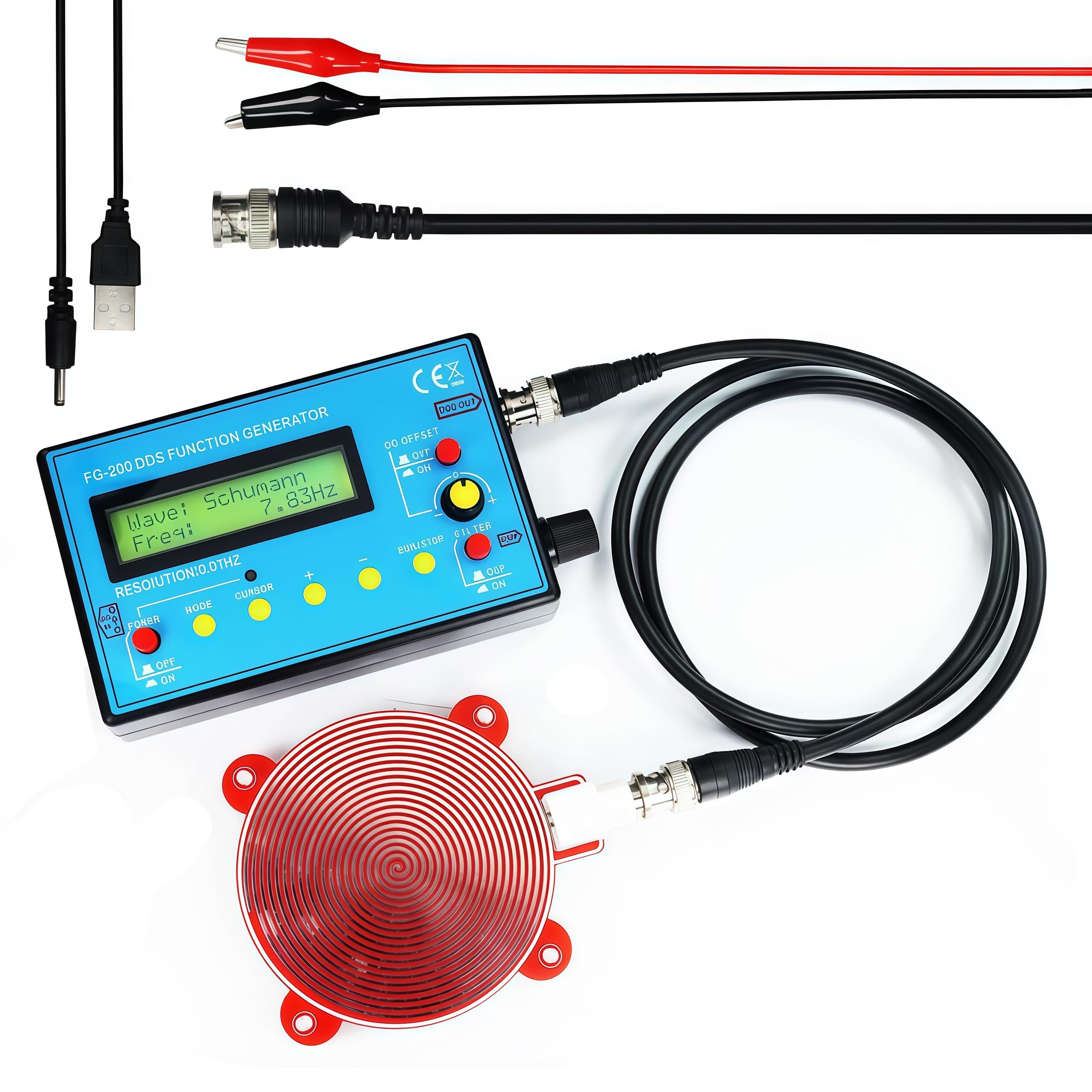

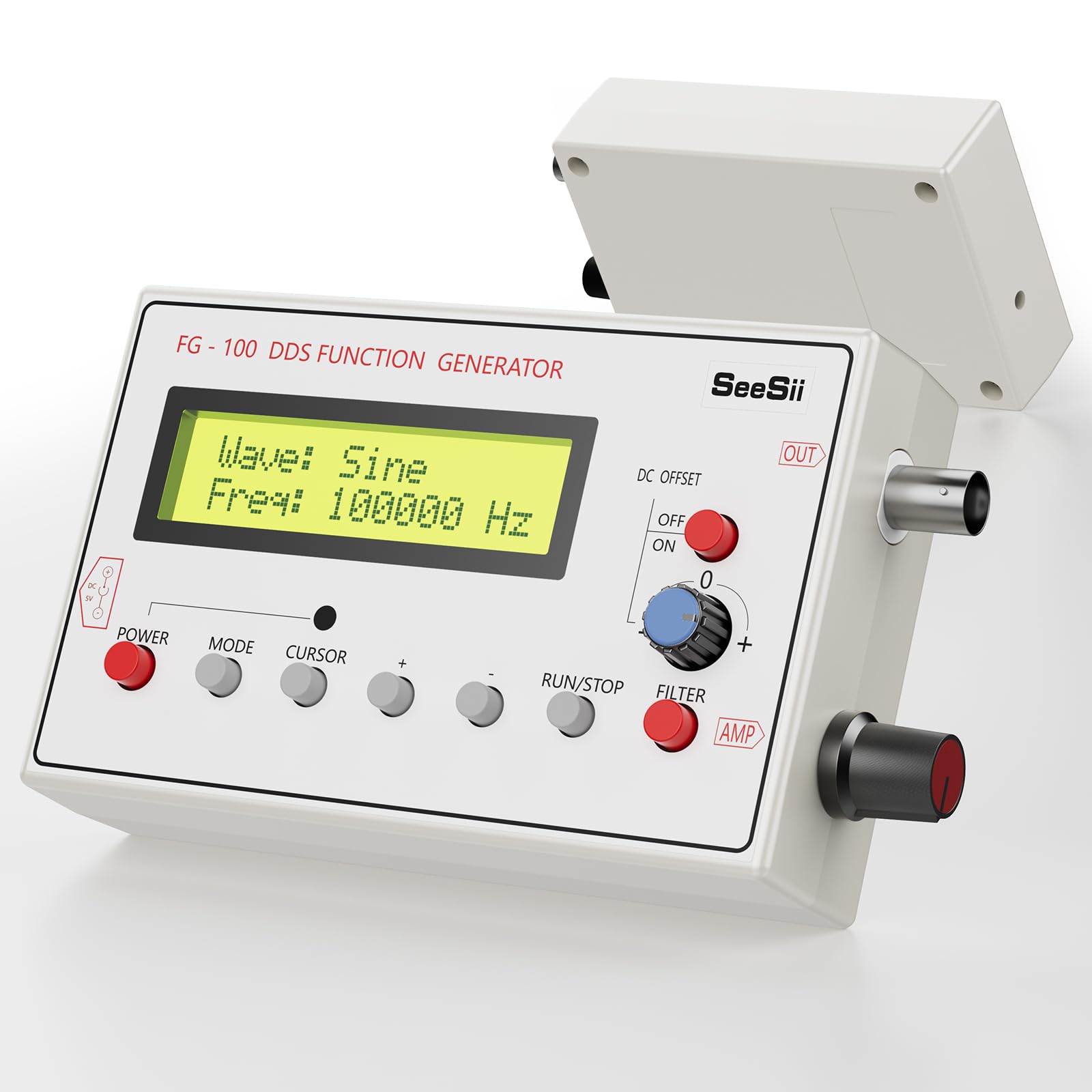

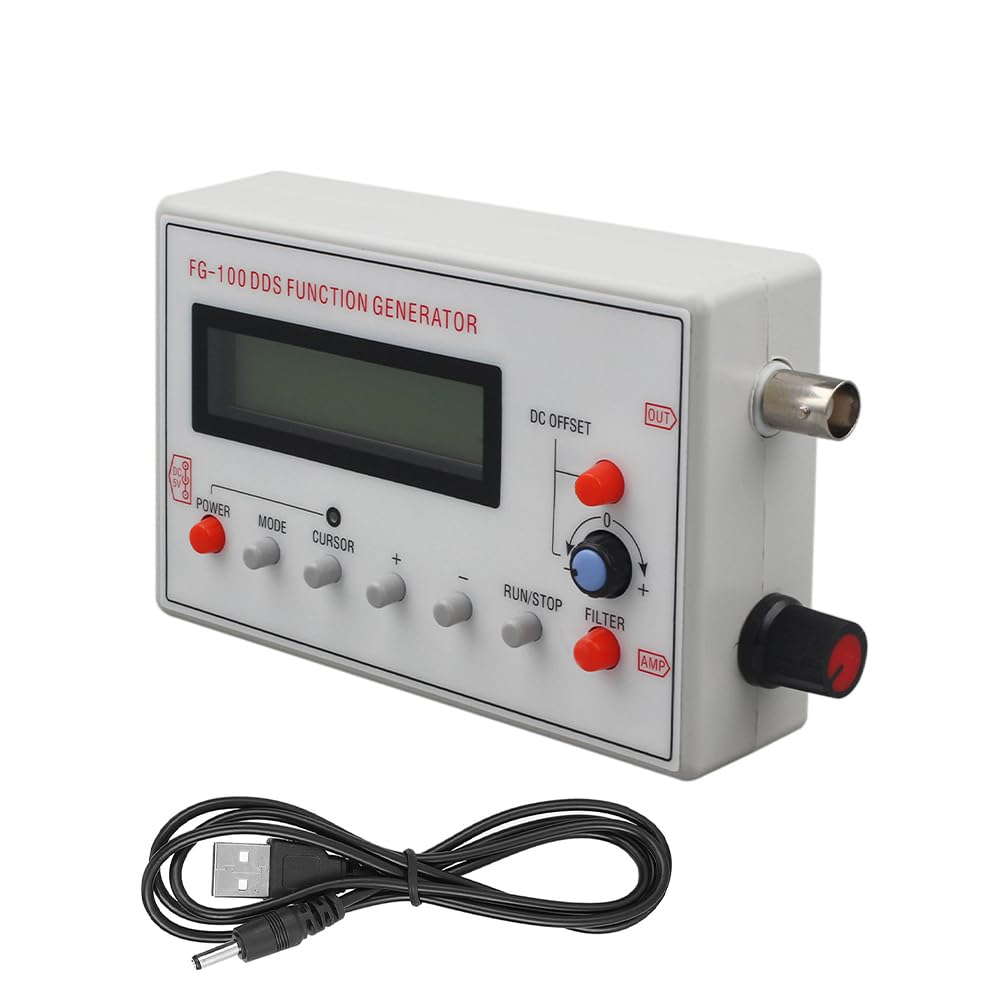


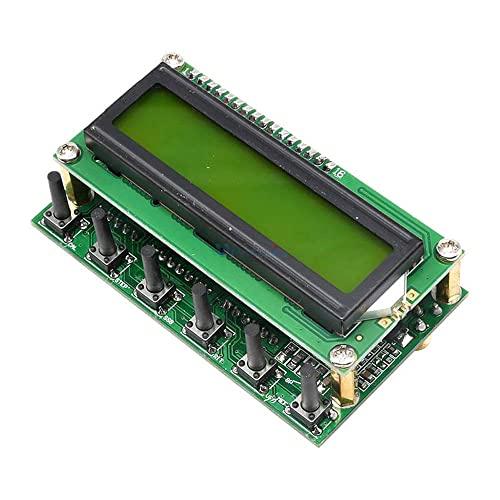
DDS Signal Generator Module 0-55MHz LCD Digital Display DDS Function Generator Frequency for HAM Radio VFO Wireless
Disponibilidad:
En stock
En stock
Peso con empaque:
1.29 kg
1.29 kg
Devolución:
Sí
Sí
Condición
Nuevo
Nuevo
Producto de:
Amazon
Amazon
Sobre este producto
- DDS Signal Generator Module 0-55MHz LCD Digital Display DDS Function Generator Frequency for HAM Radio VFO Wireless
U$S 55,56
31% OFF
U$S 38,32
IMPORTÁ FACIL
Comprando este producto podrás descontar el IVA con tu número de RUT
U$S 55,56
31% OFF
U$S 38,32
Llega en 11 a 15 días hábiles
con envío
 Tienes garantía de entrega
Este producto viaja
de USA ![]() a tus manos en
a tus manos en
![]()
 a tus manos en


Compra protegida
Disfruta de una experiencia de compra segura y confiable
![]() Garantía de entrega
Garantía de entrega
Con Tiendamia todas tus compras cuentan con Garantía de Entrega o devolución total de tu dinero.
Compras 100% seguras y garantizadas, para que pidas lo que soñás y lo recibas del mundo a tu puerta.
Saber más.
Tarjetas prepagas, debito, y credito
Paga hasta en 12 cuotas sin interés con tarjetas de crédito.

Visa

Mastercard

American Express

Dinners

Discover

Lider

Midinero

OCA

OCA Blue

Tarjeta PREX
Pagos a través de PayPal
Paga en dólares con Tarjetas internacionales a través de PayPal.

PayPal
Conoce más detalles
DDS Signal Generator Module 0-55MHz LCD Digital Display DDS Function Generator Frequency for HAM Radio VFO Wireless Features : This is a 0~55MHz DDS Signal Generator. It is based on AD9850 chip and is very easy to operate. Supports 0~55MHz continual adjust at 1Hz step. This generator has 78L05 voltage regulate. Input current at 200MA, input voltage 8-9V would be the ideal voltage. Input voltage of 12V can only be used for short time testing, otherwise will cause heat to board. 5p/6p connect to encoder as per photo. 7p of the middle connects to digital matrix input. 14p (8V GND) is 8V power supply from main board. If powered by main board, DDS does not need independent power supply. 1~6 correspond to 6 frequency bands: (3.8,7 ,9,14,18 or 21,27 or 29) ISB, USB, CW are the three mode choices. DT is signal from main board. Keys & Connection interfaces: ENC: encoder switch MEM: switch for memory mode VFO: Transfer from VFO A to VFO B, or from VFO B to VFO A. SSB: Working mode change: circulate from USB, LSB, AM, CW, and on and on... RIT: fine tuning to receiving frequency CAL: set functions KB-1 and KB-2 have common shared pin, but is not GND. How to operate: Press CAL, power on, then we enter setting screen. Let go/release CAL. A: ENABLE 6XREFCLE: setting chip clock mode, adjust frequency encoding setting. AD9851 set to 6-multiply frequency, AD9850 set to 1multiply frequency. Press CAL then quickly release to enter next step B. B: DDS-SYSTEM-CLK: Chip working frequency setting. Use encoder switch to adjust value. Operate in accordance with STEP key. AD9851 set at oscillator 6-multiply channel, AD9850 set at actual output of oscillator. Press CAL then quickly release to enter step C. C: MIN_RX_DDS_FREQ:Setting minimum working frequency. Use encoder switch to adjust value and in accordance with STEP key. Press CAL then quickly release to enter step D. D: MAX

