


 Garantía de entrega





Hinyfvoz
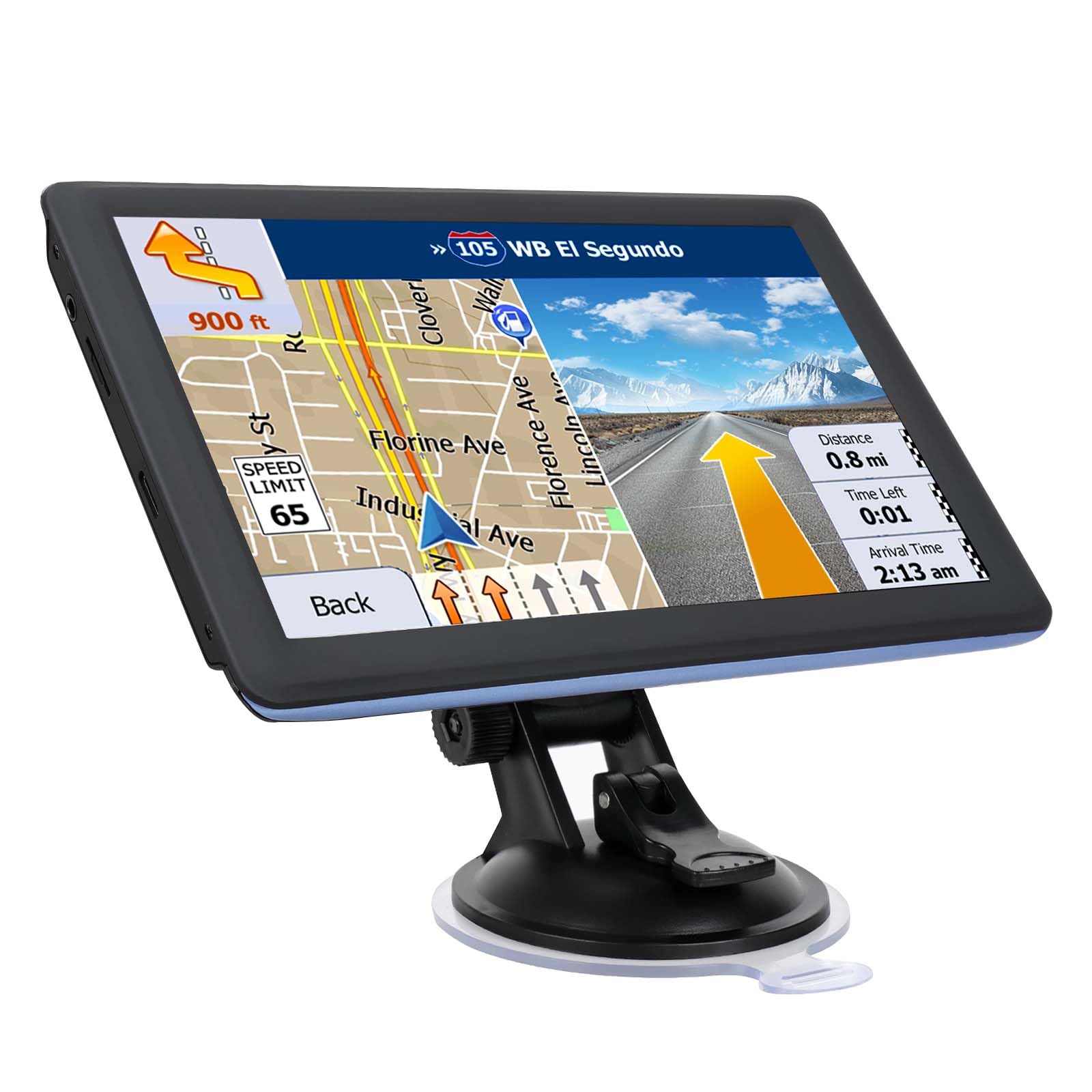
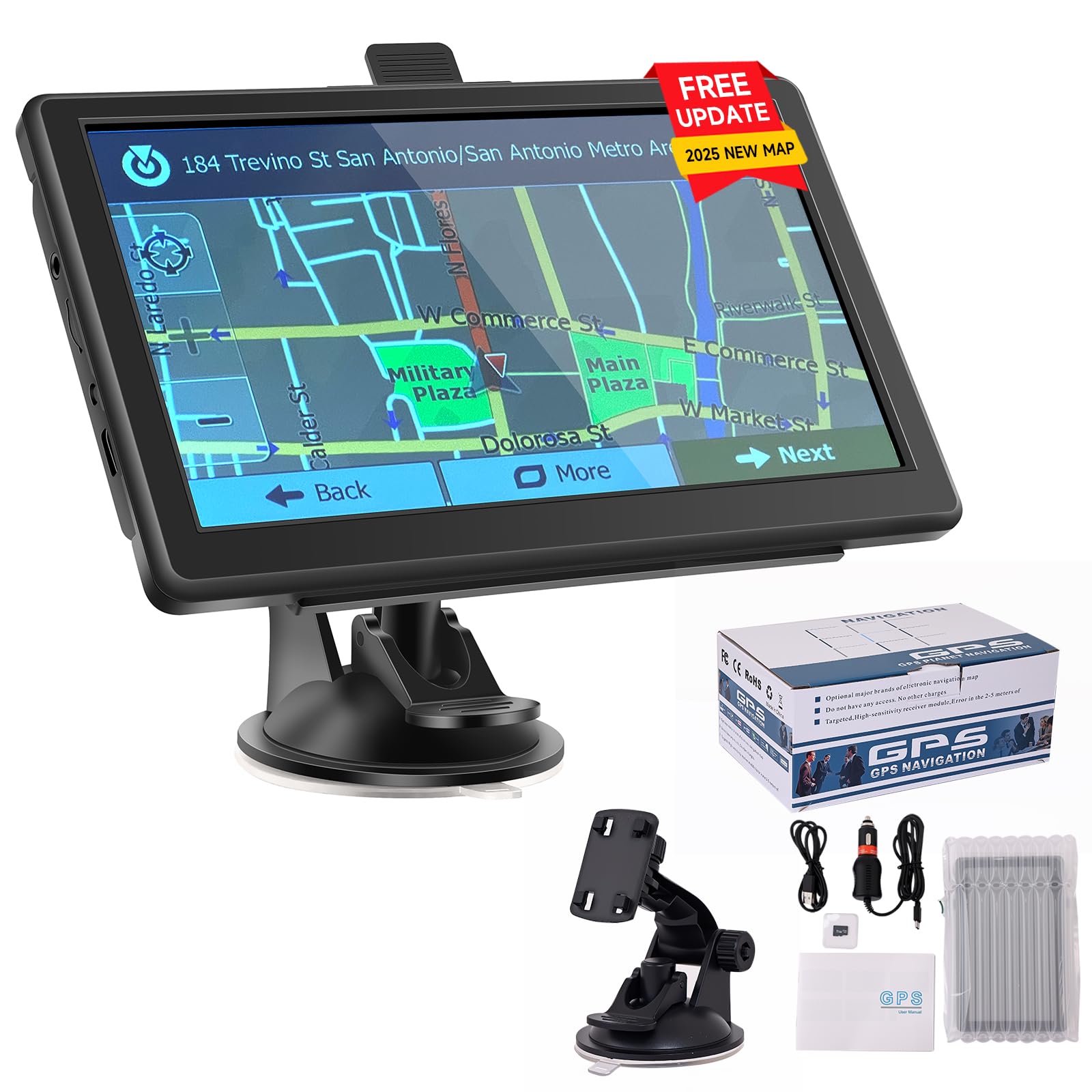
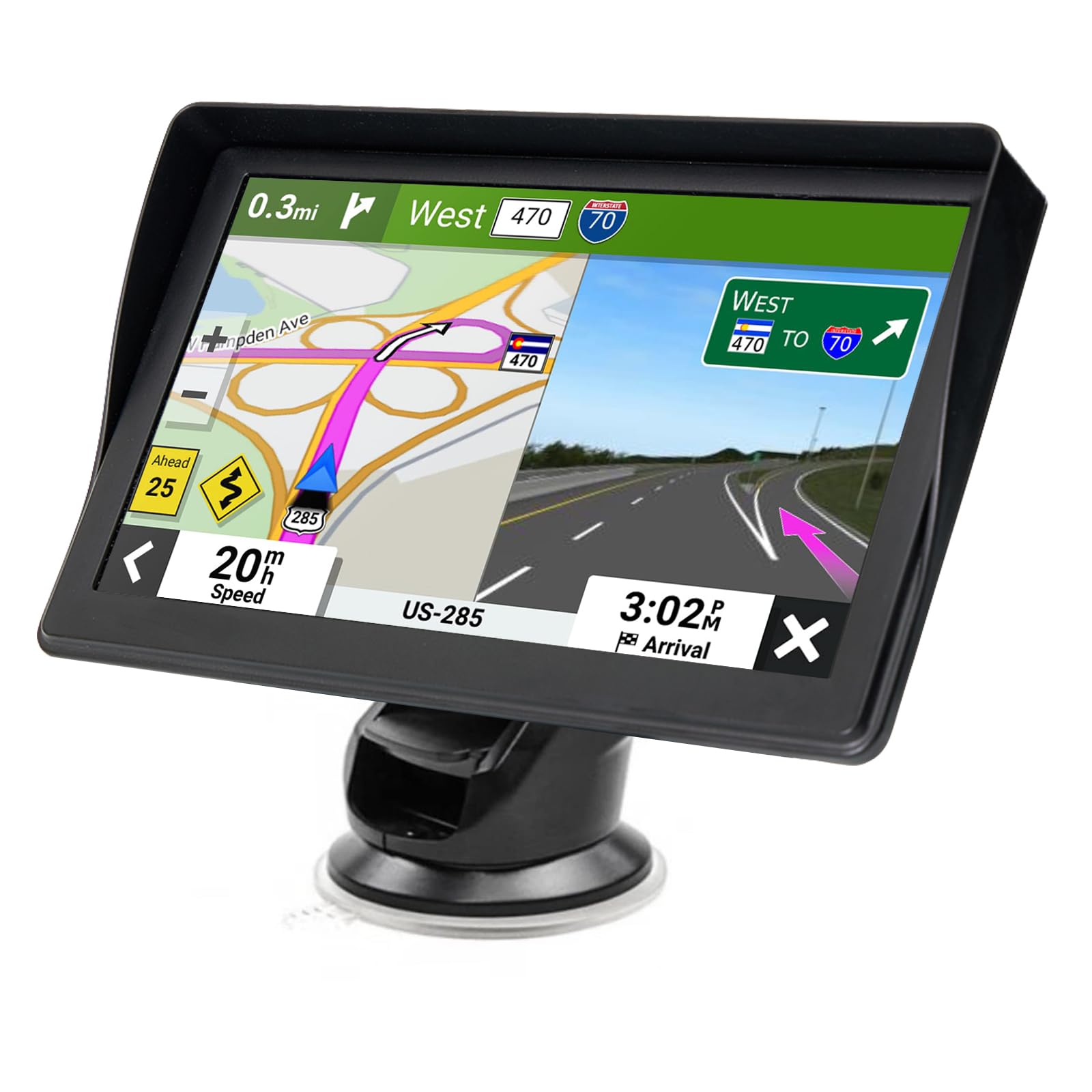
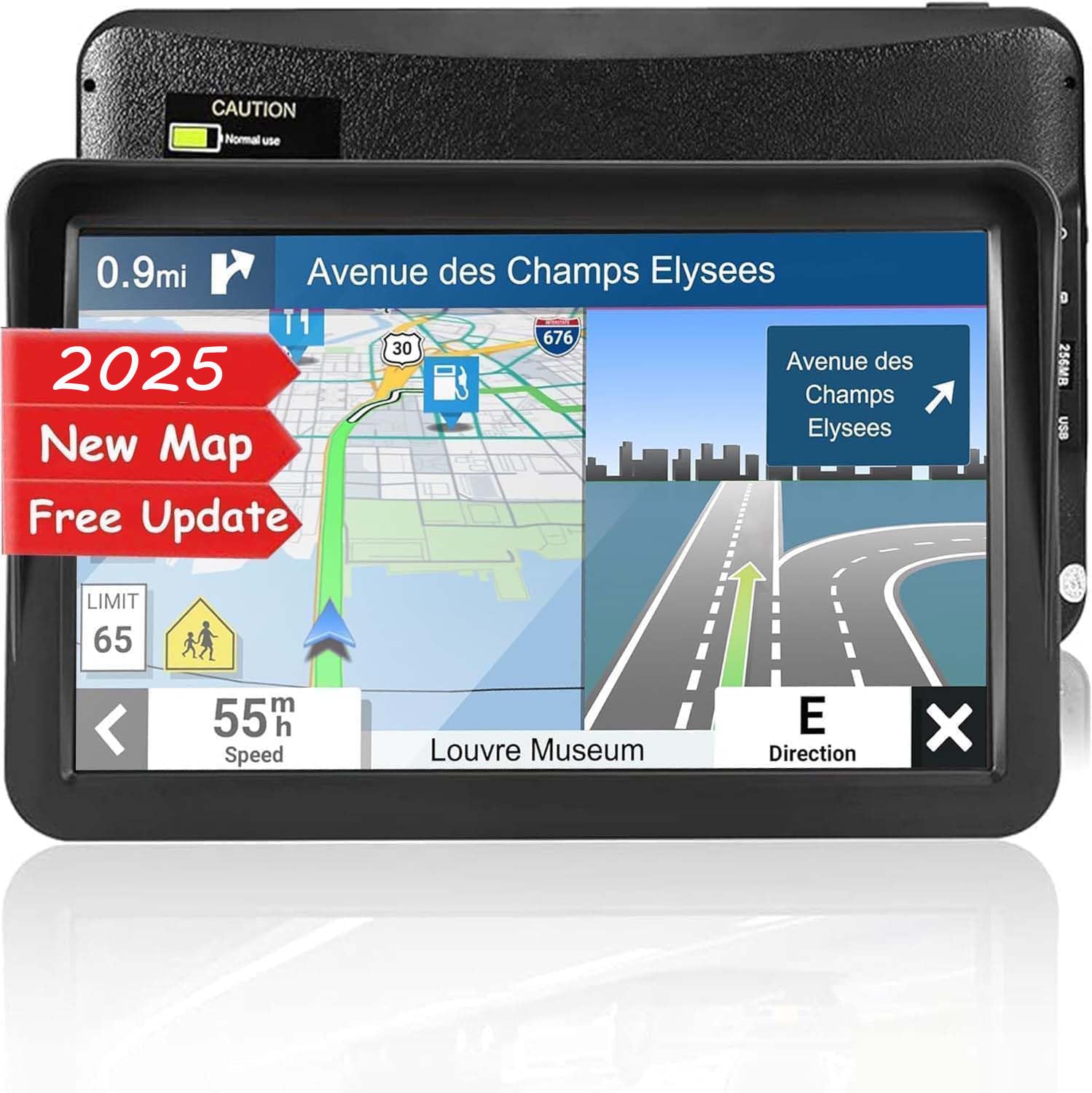
GPS Navigator for Car Truck RV, 7 Inch Touch Screen GPS for Car with 2025 Maps Free Lifetime Updates, Voice Turn-by-Turn Guidance, Speed Limit & Red Light Camera Alerts, Custom Truck Routing (Blue)
Color:
Blue
Disponibilidad:
En stock
En stock
Peso con empaque:
0.92 kg
0.92 kg
Devolución:
Sí
Sí
Condición
Nuevo
Nuevo
Producto de:
Amazon
Amazon
Sobre este producto
- 【Updated Maps】: This car GPS navigation system comes with pre-loaded North America maps and offers free lifetime updates. Contact us for maps of Europe and other regions.
- 【Voice Guidance & Safety Alerts】: Get turn-by-turn directions with realistic voice prompts. This truck GPS provides proactive alerts for speed cameras, red lights, and school zones for a safer journey.
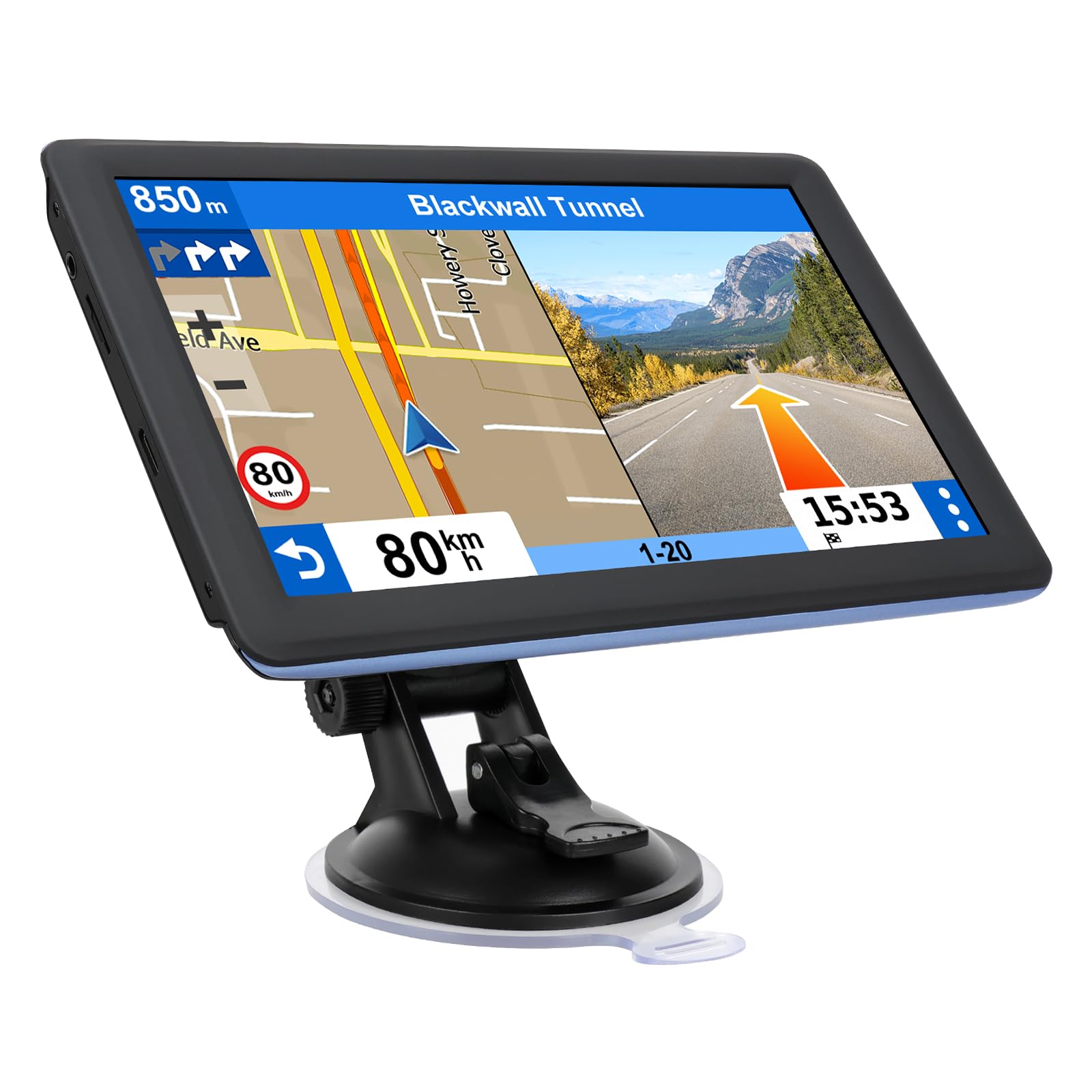
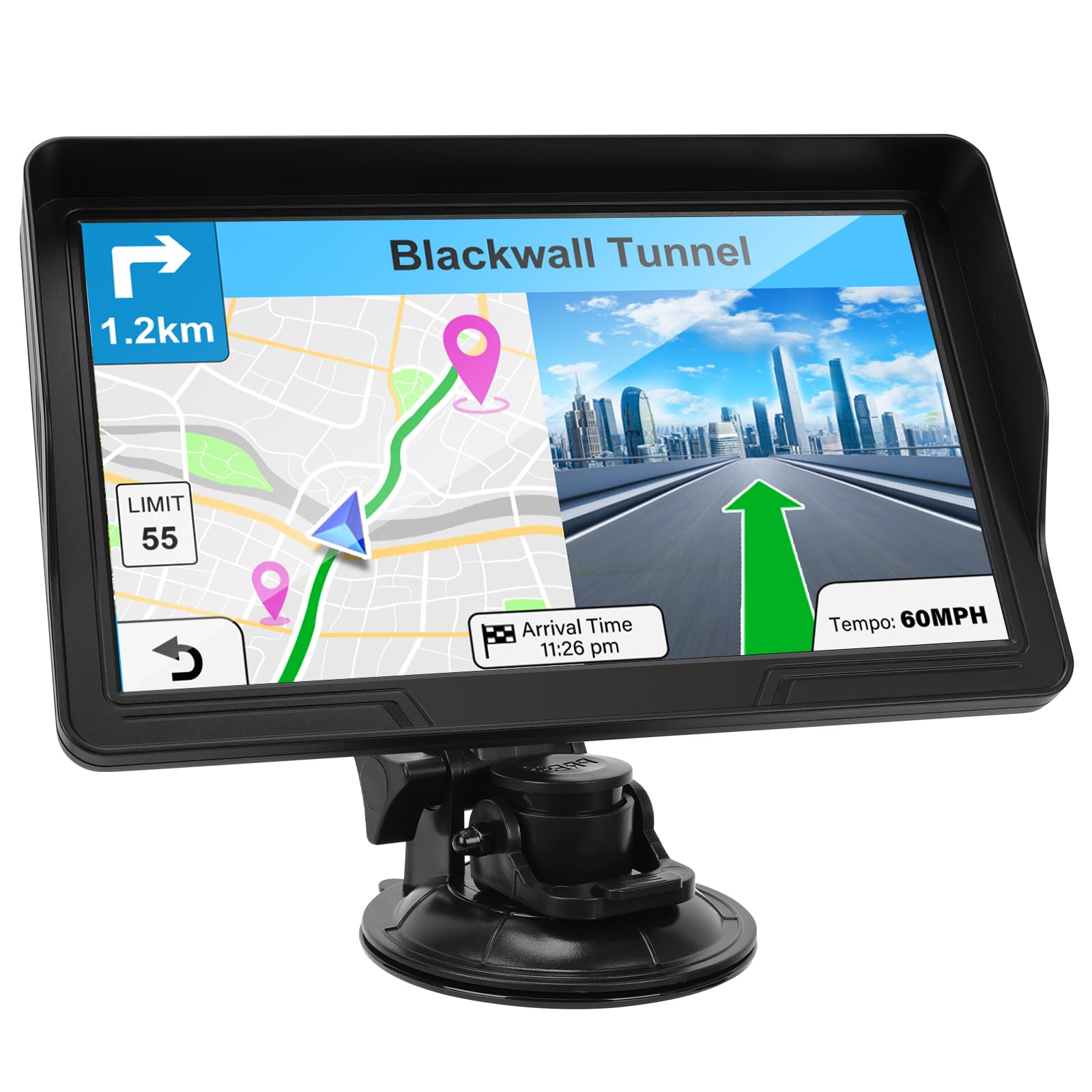
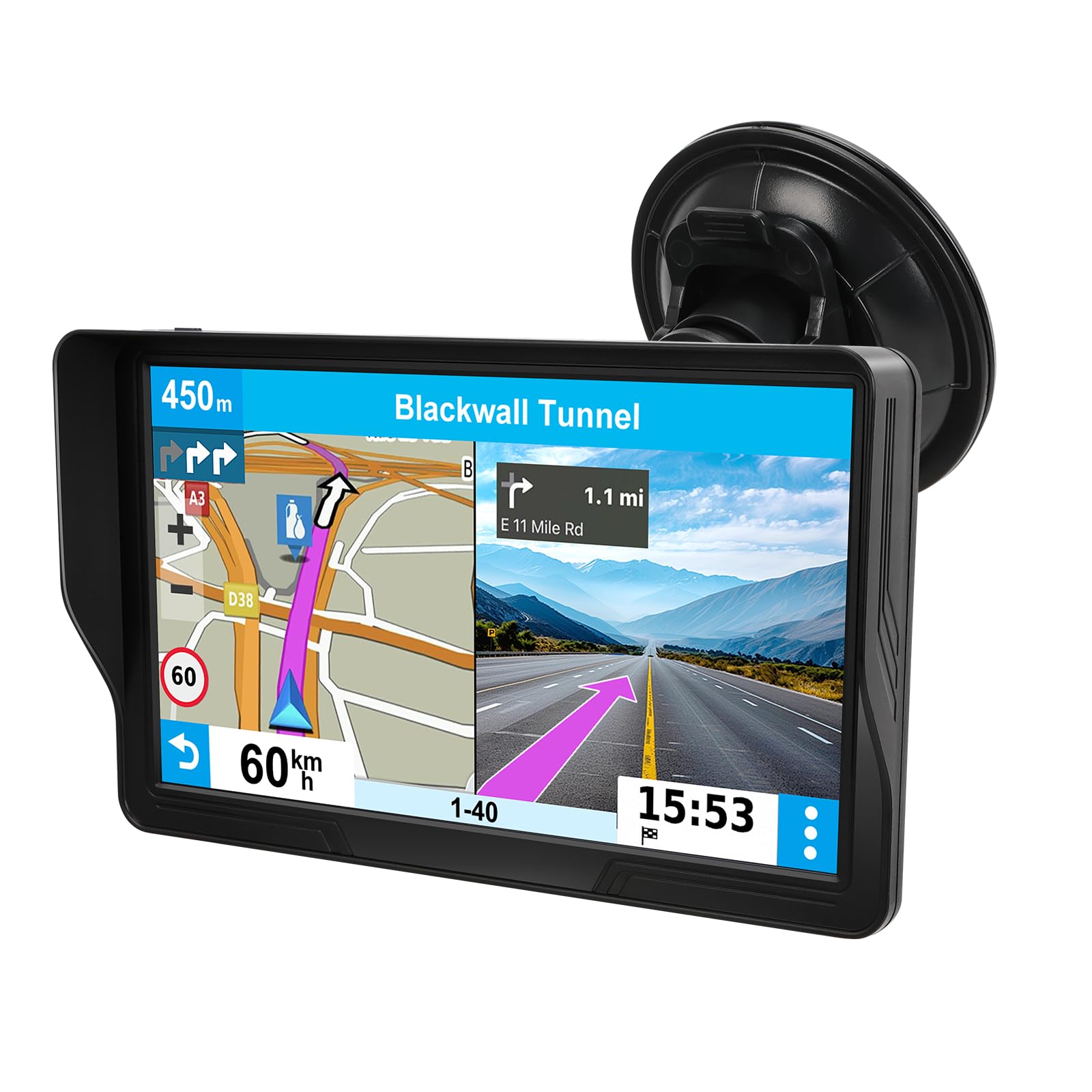
- 【7-Inch Clear Touchscreen】: The bright 7-inch display on this GPS navigation for car shows your current speed, estimated arrival time, and remaining distance at a glance.
- 【Custom Vehicle Routing】: As a versatile navigation system for vehicle, it offers routes for cars, trucks, RVs, and more. Input your vehicle's size to avoid low bridges and weight-restricted roads.
- 【Smart Search & Routes】: Find places easily by address, zip code, or POI. This car gps calculates the fastest, shortest, most economical, or simplest route for you.
- 【FM Transmitter Audio】: Hear directions clearly by broadcasting voice guidance through your car's stereo. Note: This is for audio transmission only, not an FM radio.
U$S 69,99
14% OFF
U$S 59,99
IMPORTÁ FACIL
Comprando este producto podrás descontar el IVA con tu número de RUT
U$S 69,99
14% OFF
U$S 59,99
Llega en 5 a 11 días hábiles
con envío
 Tienes garantía de entrega
Este producto viaja
de USA ![]() a tus manos en
a tus manos en
![]()
 a tus manos en


Compra protegida
Disfruta de una experiencia de compra segura y confiable
![]() Garantía de entrega
Garantía de entrega
Con Tiendamia todas tus compras cuentan con Garantía de Entrega o devolución total de tu dinero.
Compras 100% seguras y garantizadas, para que pidas lo que soñás y lo recibas del mundo a tu puerta.
Saber más.
Tarjetas prepagas, debito, y credito
Paga hasta en 12 cuotas sin interés con tarjetas de crédito.

Visa

Mastercard

American Express

Dinners

Discover

Lider

Midinero

OCA

OCA Blue

Tarjeta PREX
Pagos a través de PayPal
Paga en dólares con Tarjetas internacionales a través de PayPal.

PayPal
Conoce más detalles
‼️ Important Notice (Must Read Before First Use) 1. Charge fully before use. Must use the included dedicated car charger. 2. Truck/RV users: Must set vehicle dimensions. 3. Check if the map is a local map; if not, download a local map. 4. Set the time to local time. 5. Screen obstruction: Rotate the mount to adjust to the appropriate angle. 6. Charging and power-on failure: Plug in the power source and check if the battery is sufficiently charged. Please use the original car charger; otherwise, it may damage the battery and prevent the device from booting up. 7. When searching for a GPS signal for the first time, please go to an open area; do not search for a GPS signal in areas blocked by buildings. The initial signal search takes 30 minutes. ‼️ [New “Truck User Guide” Module] 🚛 Truck/RV User-Specific Settings Avoid navigating to height-restricted or width-restricted roads: 1. Go to Settings → Route Settings → Vehicle → Select “Truck” 2. Enter accurately: Width___feet / Height___feet / Weight___pounds 3. Save as default profile ‼️ [New “Set Time” module] 1. Please click ‘Date Time’. Set the time you want. 2. Click on ‘Navigation’ and find the setting 3. Click ‘Regional’ to set the map time. 4. Click on ‘Units and Formats’, then click ‘Time Format’ and select 12/24 hours. Since ‘Date Time’ only supports the 24-hour system, we recommend choosing the 24-hour system. 5. After completing step 4, click ‘Back’, then click ‘Time Zone’. If you do not want to update the time automatically or use daylight saving time, please disable ‘Use Auto Time Zone’ and ‘Daylight Savings’. Set the same time zone as in the first step. ‼️[New “Screen Installation Tips” module] (Solves obstruction issues) 📲 7-inch screen perfect installation solution: 1. Installation location: Lower right corner of the windshield 2. Use the included sunshade (to reduce glare) 3. Adjust the bracket angle: Tilt the screen forward by 15° ‼️ [New “Find Address” module] 1. Find Address: Navigation → Destination → Find Address → Enter Your Address Example: Step 1: Enter Country or State Step 2: Enter City or ZIP Code Step 3: Enter Street Name Step 4: Enter House Number ‼️[How to turn off speed alerts] Navigation → Settings → Sounds and Warnings → Speed Warning Settings

